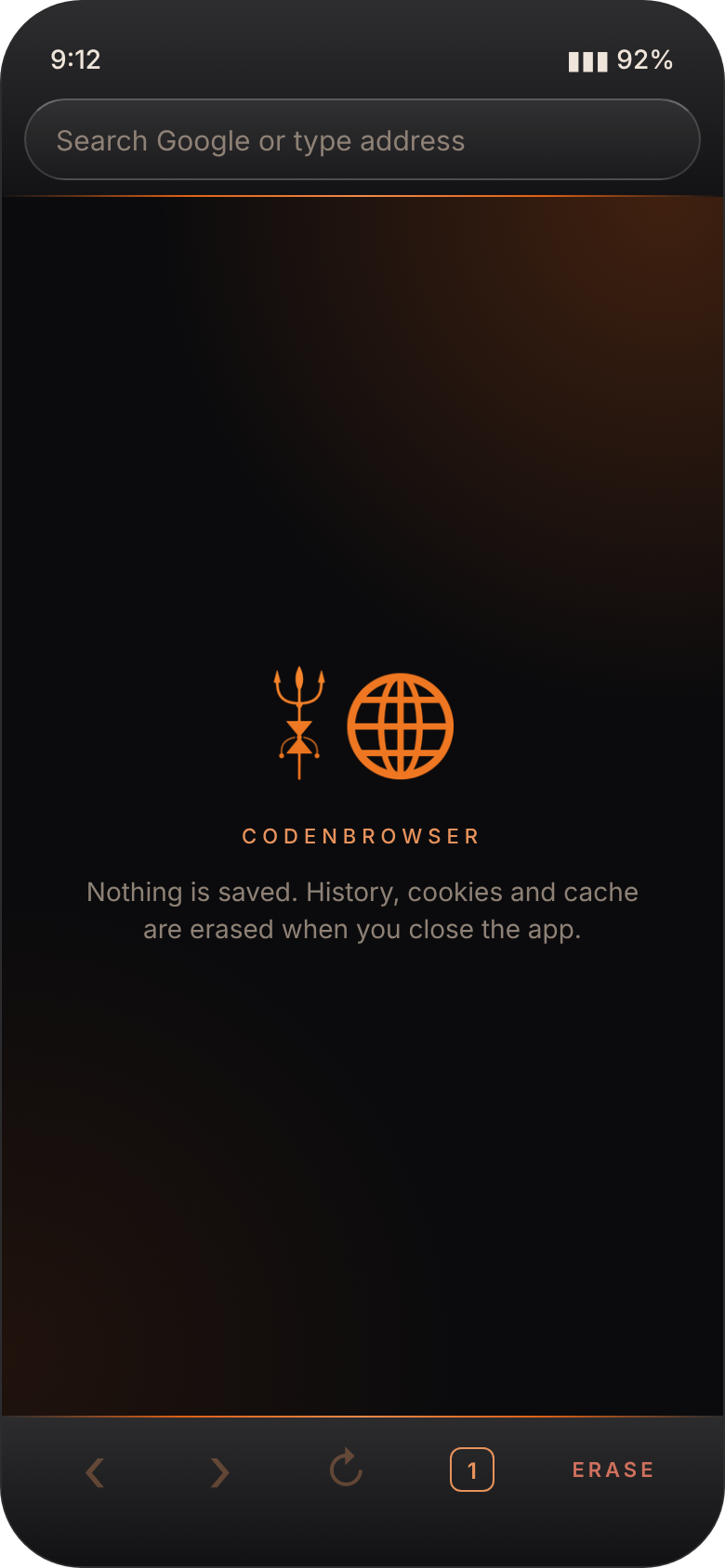
Browse, close, and it's all gone.
CodenBrowser is a private browser for Android. Type an address and read the page. When you close the app, your history, cookies and cache are erased. No accounts, no bookmarks, no suggestions and no ads.
Just the web, nothing remembered.
Erased when you close it
Close the app and your history, cookies, cache and site data are wiped. Anything left on disk is cleaned again on the next start.
One-tap Erase
Tap ERASE at any time to close every tab and wipe everything on the spot, without leaving the app.
Tabs, kept simple
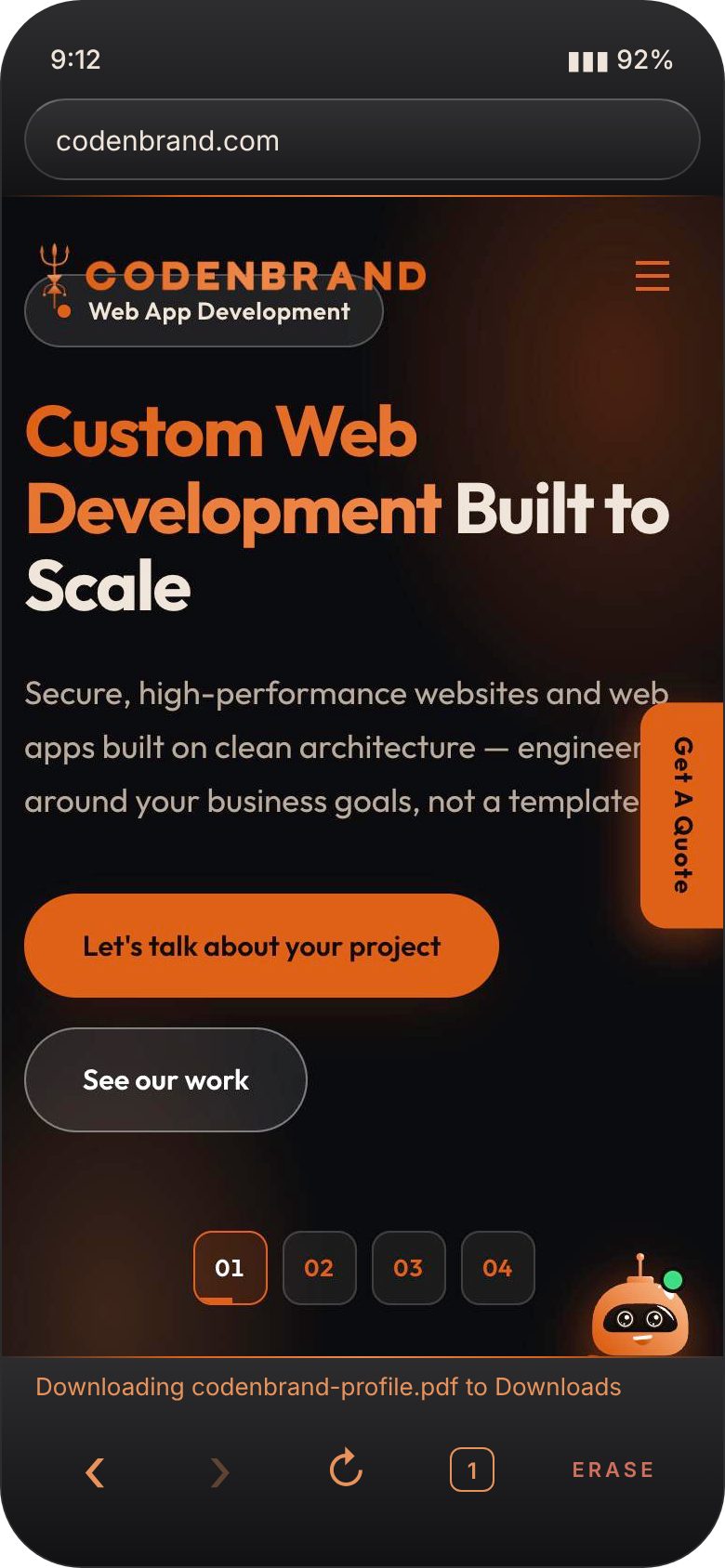
Tap the tab count to see every open tab. Switch with a tap, close one with ✕, or open a new tab.
Address or search
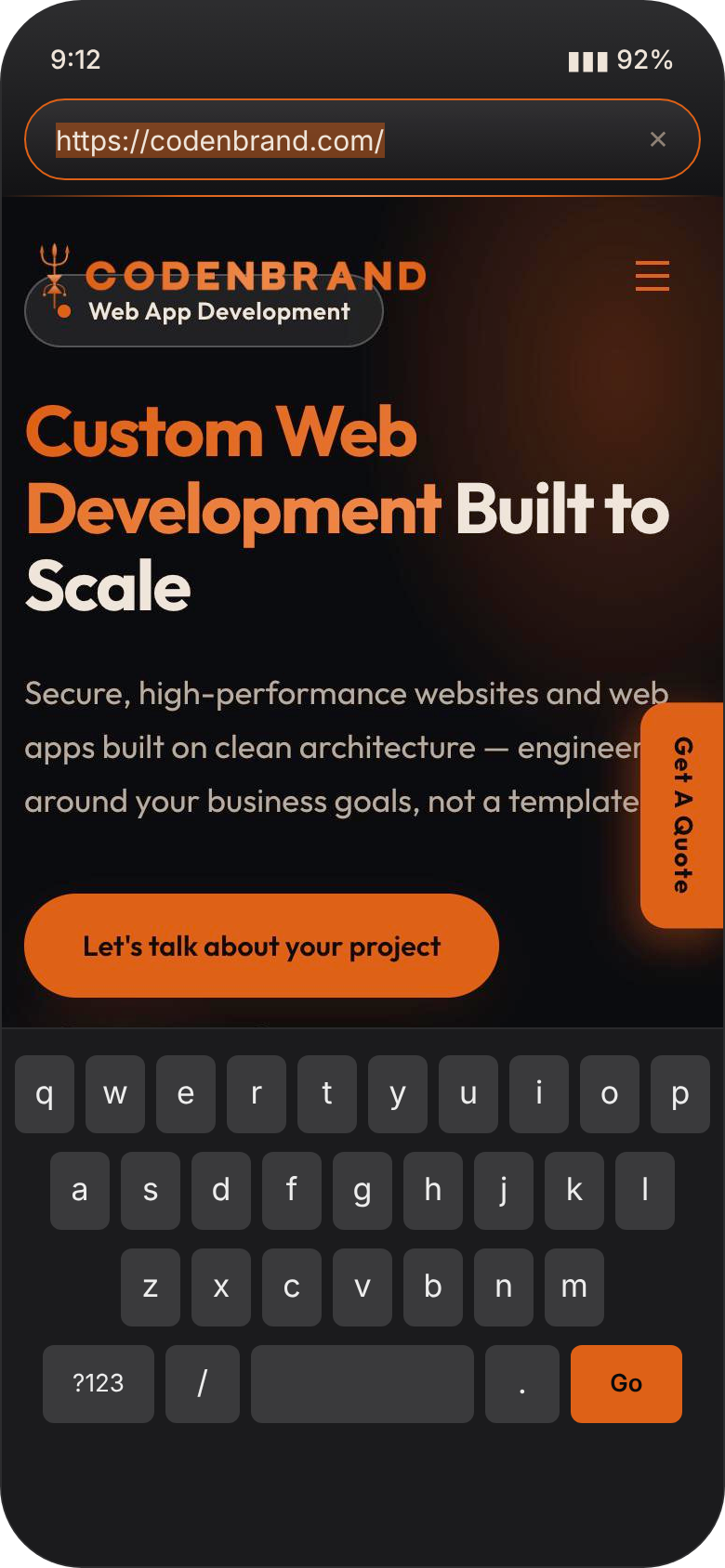
Type an address to open it, or type words to search Google. No suggestions, no autocomplete, no history list.
Your default browser
Set it as the phone's browser and links from WhatsApp, SMS and email open in CodenBrowser. UPI and app links open in their apps.
Private by design
No sign-up, no bookmarks, no sync and no ads. Third-party cookies are blocked and location access is off.
Dark, glossy and out of your way.




Get CodenBrowser
Updating? Install the new file over the old one.
- Tap Download APK on your Android phone.
- Open the downloaded file. If Android asks, allow installs from your browser, just for this once.
- Tap Install. To open links in it, go to Settings → Apps → Default apps → Browser app and pick CodenBrowser.
This app isn't on the Play Store, so Android shows a standard "unknown source" notice. That's normal for apps installed directly.
Good to know.
What exactly is erased, and when?
History, cookies, cache, site storage and open tabs. It happens when you close the app (Back on the last page, or swiping it away from recent apps) and whenever you tap ERASE. On every fresh start, CodenBrowser also deletes anything the page engine left on the phone.
What if I just press Home?
The app goes to the background like any other, and your tabs are still there when you come back. Close it or tap ERASE when you're done.
Will I stay signed in to websites?
Only until you close the app. Closing it signs you out everywhere, because the cookies that keep you signed in are erased.
Are downloads erased too?
No. Files you download are saved to your Downloads folder and stay there. Everything else is erased.
Which search engine does it use?
Google. Type words in the address bar to search; type an address to go straight to the site.
Does it show ads or collect my information?
No ads, no tracking and no accounts. CodenBrowser only talks to the websites you visit.