Custom fields for WordPress, built the way you work.
Coden Fields adds fields to posts, pages, users and options pages from a simple builder. Repeaters, galleries, conditional logic and the familiar get_field() functions are all included.
Everything a custom field needs, in one builder.
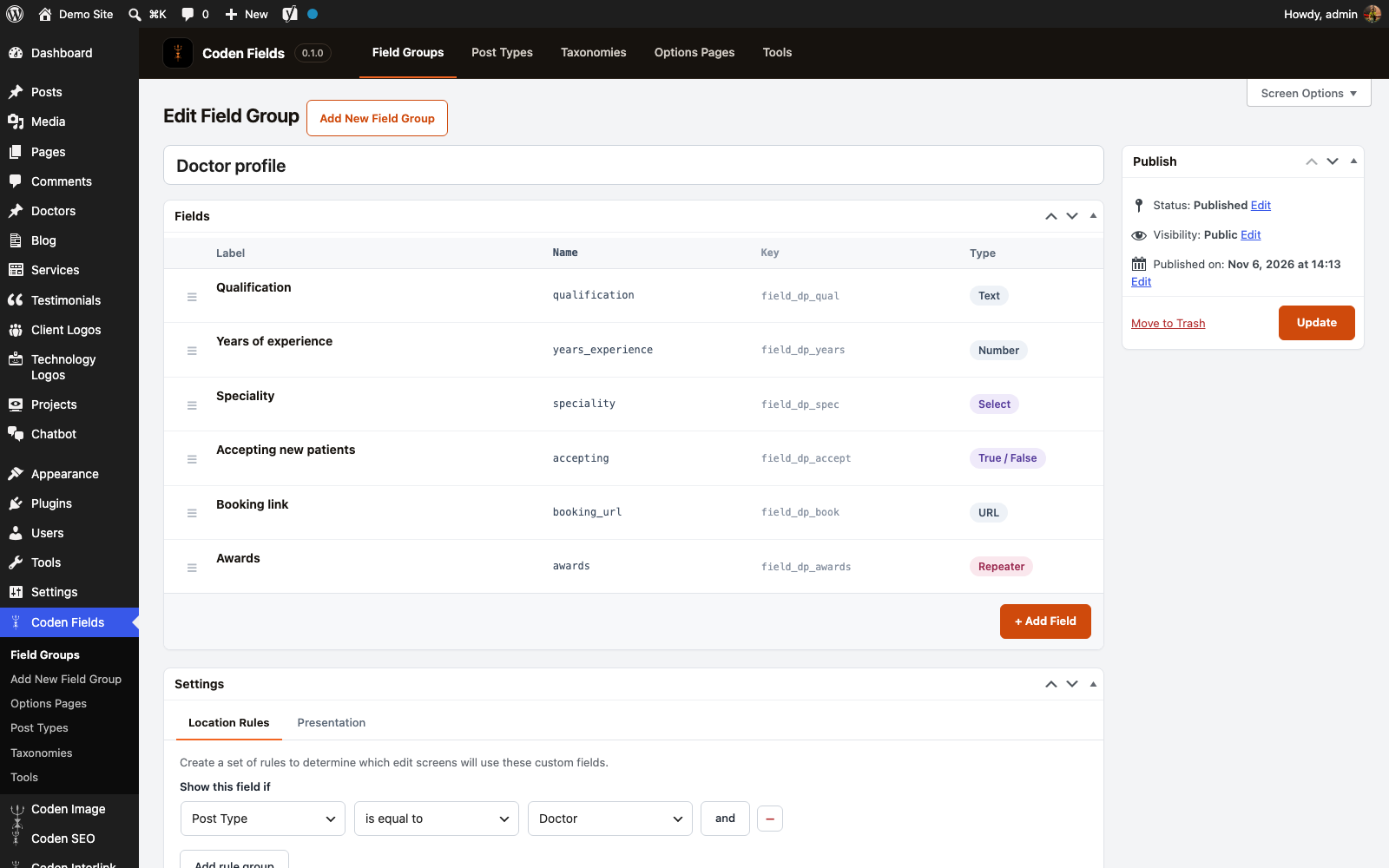
A visual field builder
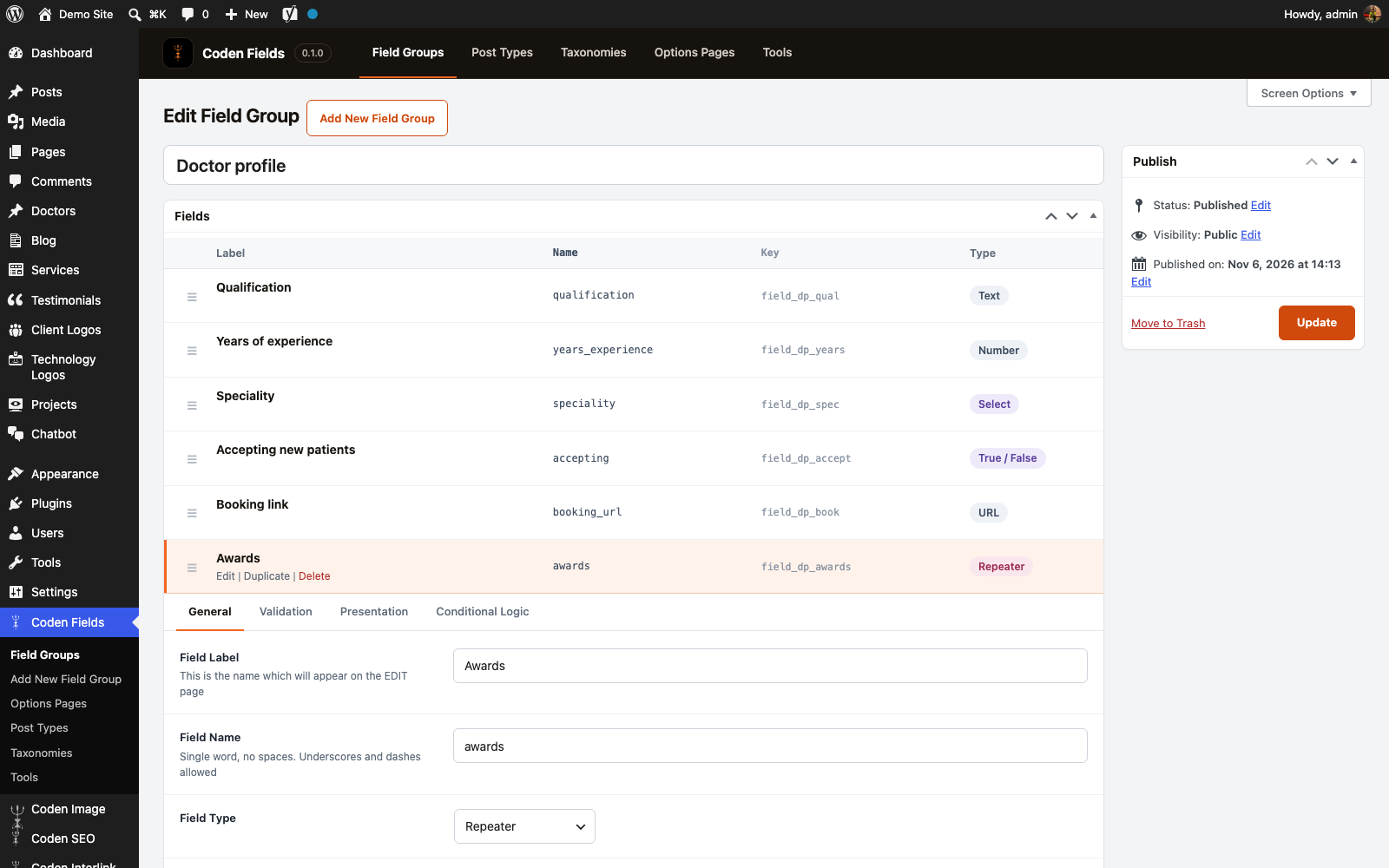
Add fields, drag them into order and set a label, name and instructions for each. Open any field to change its settings without leaving the page.
34 field types
Text, number, email, image, gallery, WYSIWYG, select, checkbox, true / false, link, relationship, date and time, colour, tabs and more.
Repeaters and flexible content
Let editors add rows of fields, or build a page from layouts. Group and clone fields keep big setups tidy.
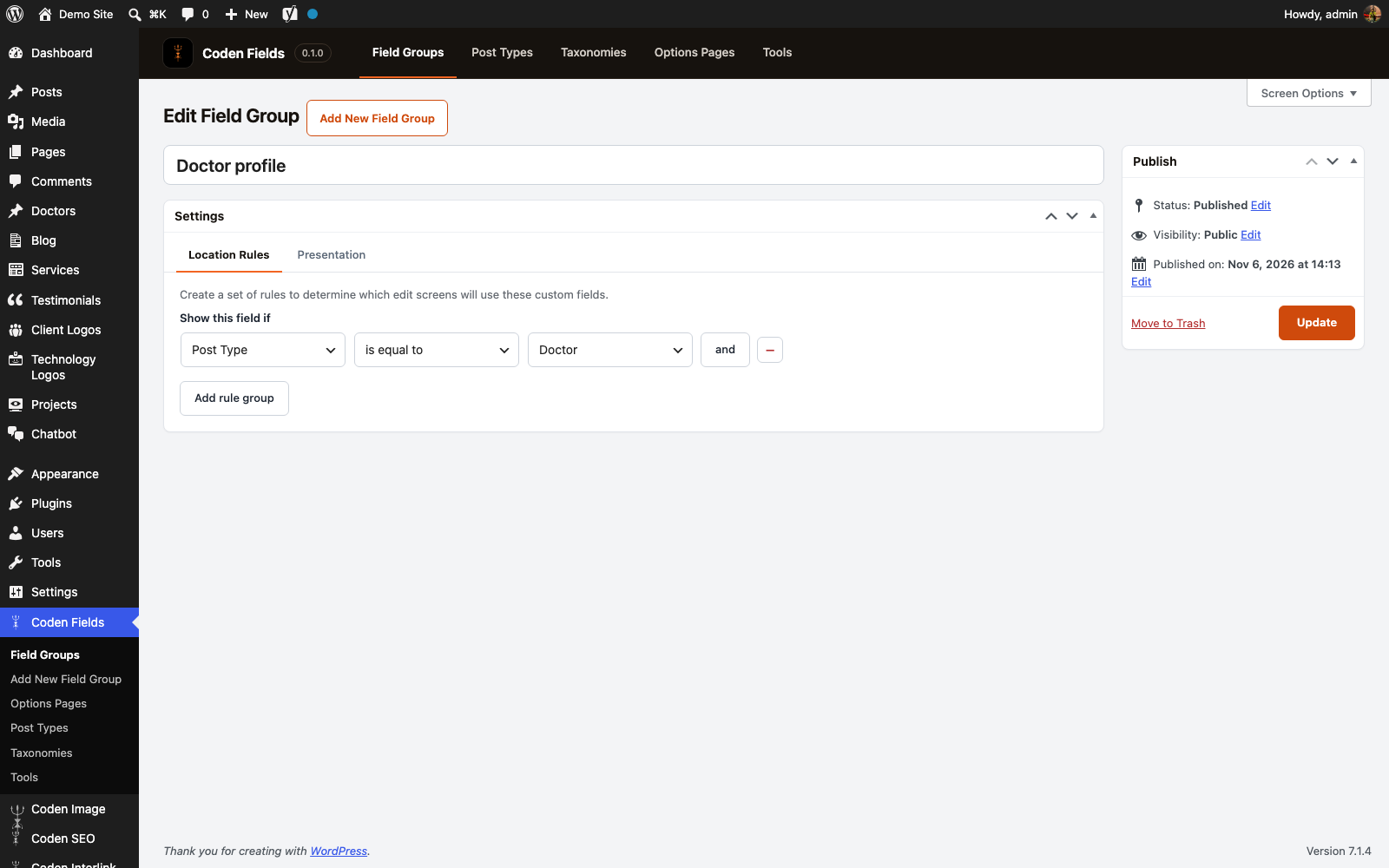
Location rules
Show a group on a post type, a page template, a category, a user, a taxonomy term or an options page. Combine rules with AND and OR.
Conditional logic
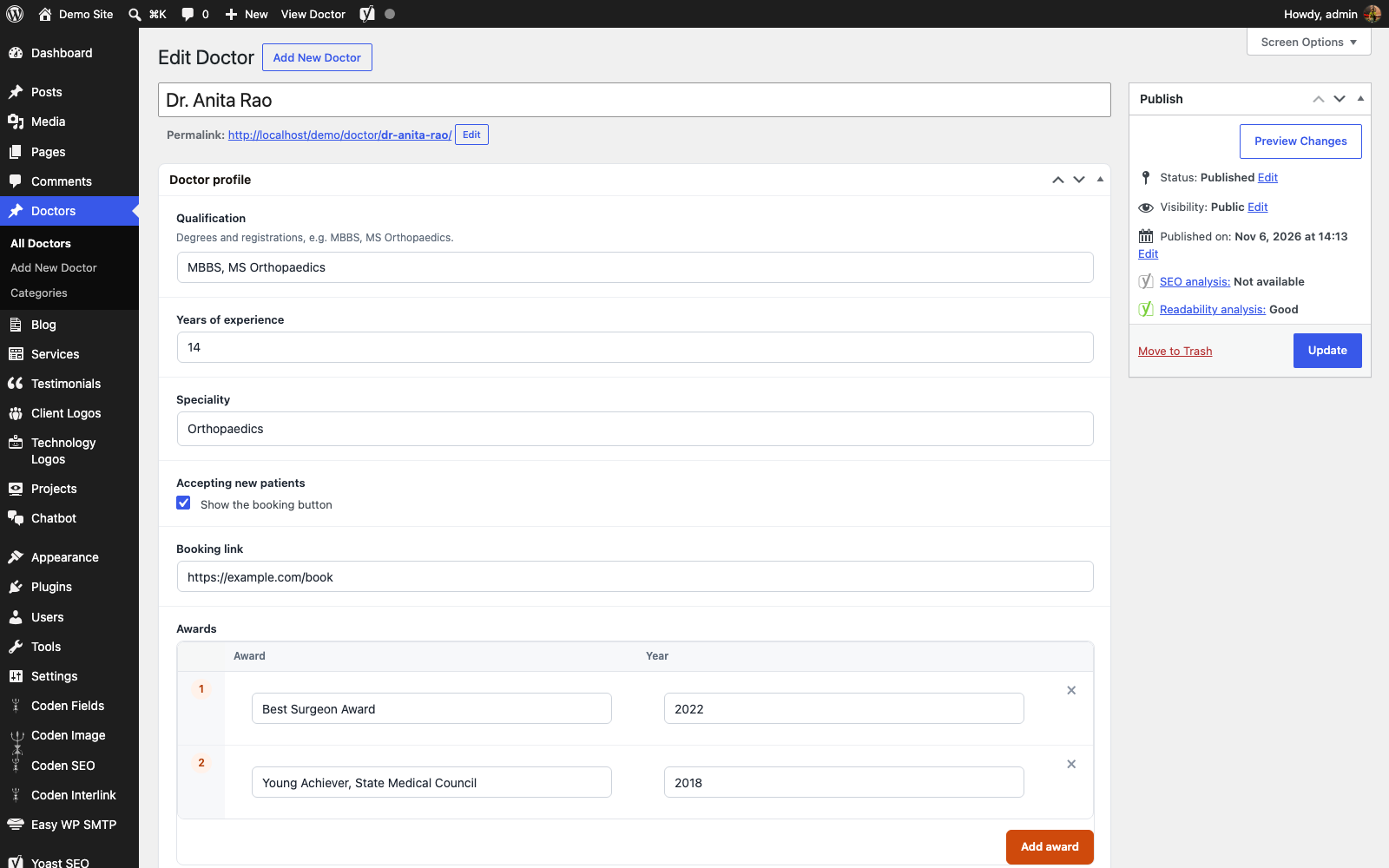
Show a field only when another field has a certain value. For example, a booking link that appears only when new patients are accepted.
Options pages
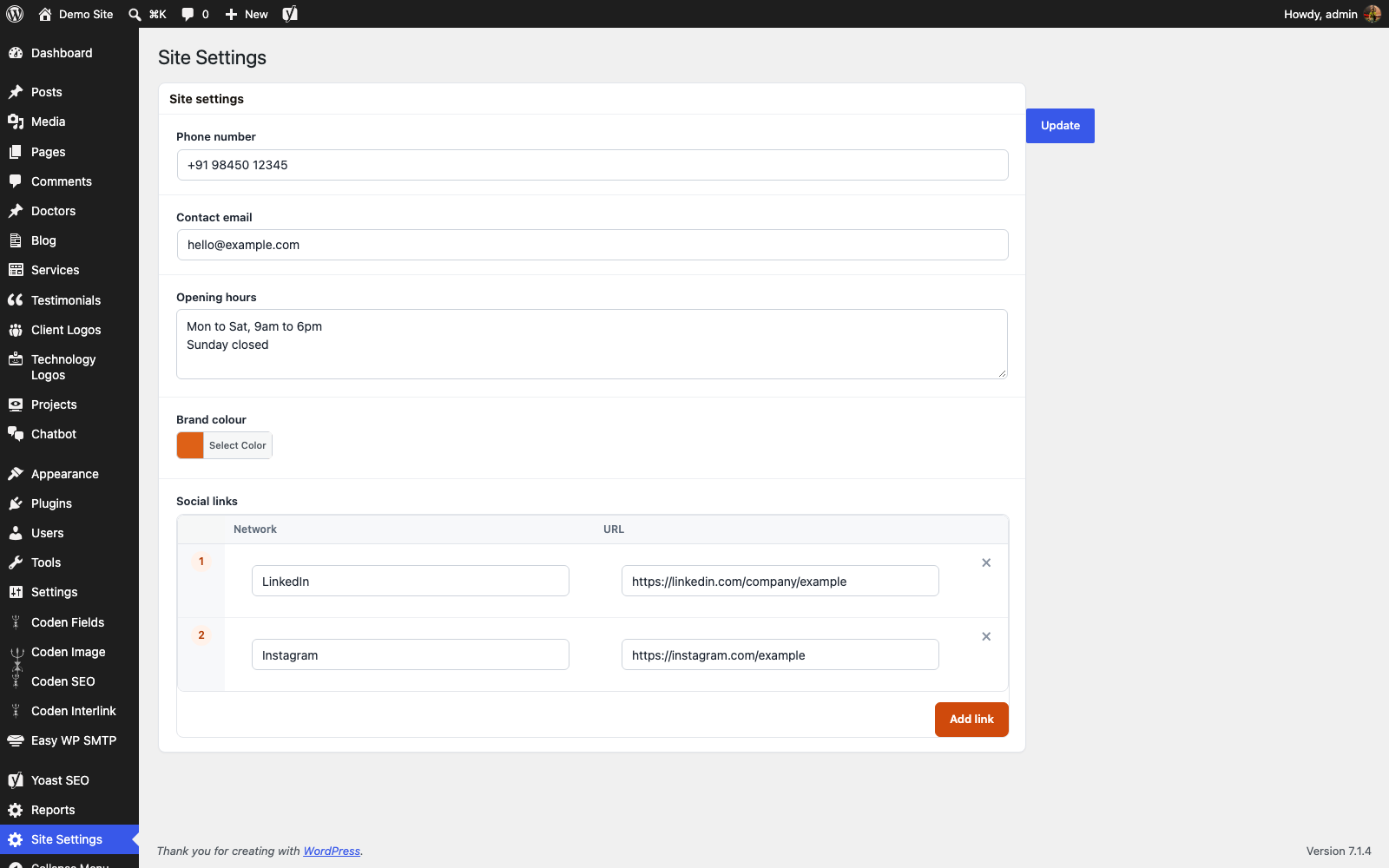
Add a settings page for site-wide values such as phone number, hours or social links. Create it in code or from the admin.
Post types and taxonomies
Register custom post types and taxonomies from the admin, so they no longer need code in functions.php.
Familiar template functions
get_field(), the_field(), have_rows(), the_row() and get_sub_field() work the way you expect, with a shortcode for quick output.
Validation and JSON sync
Required fields, limits and format checks run before saving. Export field groups to JSON, or save them next to your theme to travel with git.
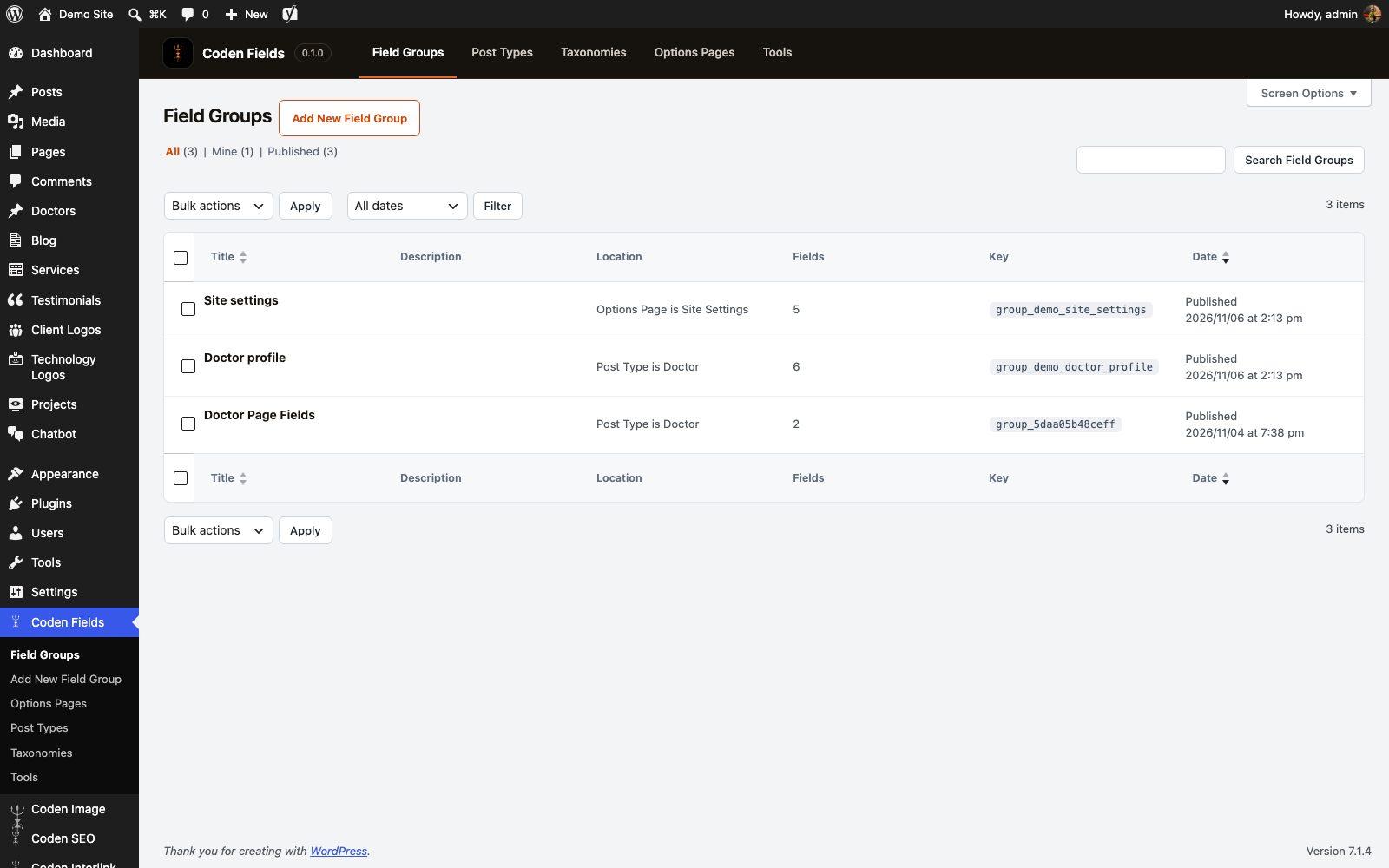
Clear screens, no learning curve.

Want Coden Fields on your WordPress?
Tell us about your website and we will get back to you.
- Click Get a quote and tell us about your WordPress website.
- Mention that you are interested in Coden Fields and which fields, post types or options pages you need.
- We review your request and reply with the next steps.
Coden Fields uses the usual WordPress post meta, so your values stay in your database. If you use another custom fields plugin with the same function names, turn that one off first.
Good to know.
Can I run it together with ACF?
Not at the same time. Both plugins define get_field() and the other template functions, and whichever loads first is used. Deactivate ACF before you activate Coden Fields.
Does it work with my theme?
Yes. Fields are saved as normal post meta and read with get_field() in any theme template, so it does not depend on a page builder or a theme framework.
Where can fields appear?
On posts, pages and custom post types, on user profiles, taxonomy terms and comments, and on options pages. Location rules decide where each group shows.
Can I move field groups to another site?
Yes. Export groups as JSON from Tools and import them on another site. You can also save every group as a JSON file in a cf-json folder in your theme and sync from there.
Does it add its own blocks?
No. Coden Fields adds fields as boxes on edit screens. It does not include a custom blocks feature.
What happens to my data if I deactivate it?
Your values stay in the database as normal post meta. Nothing is deleted when you deactivate the plugin.