Every photo, beautifully simple.
CodenGallery shows the photos and videos on your phone, album by album. Swipe, zoom, play, share or clean up, with no ads, no accounts and nothing uploaded anywhere.
Your photos, nothing in the way.
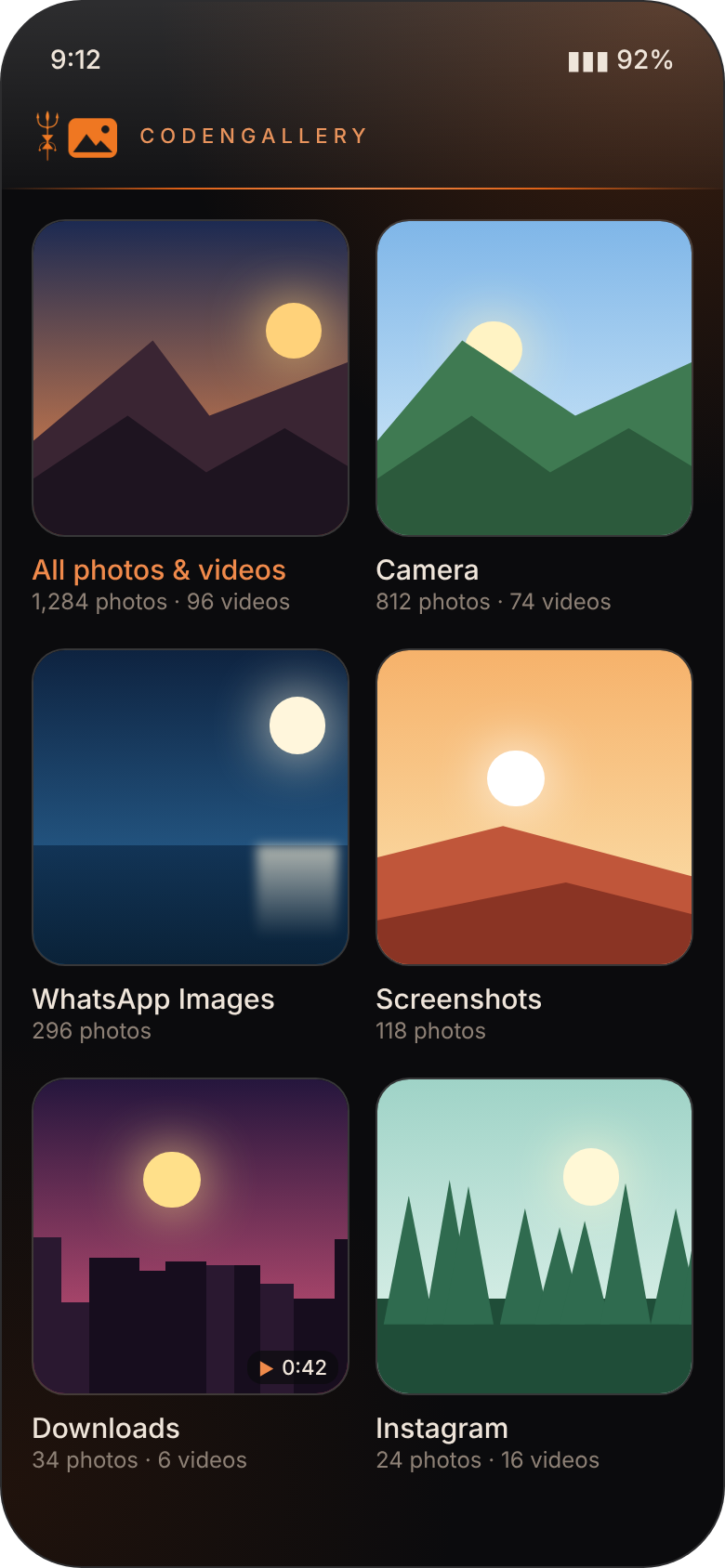
Albums, automatically
Camera, WhatsApp Images, Screenshots and every other folder appear as albums, newest first, plus one album with everything.
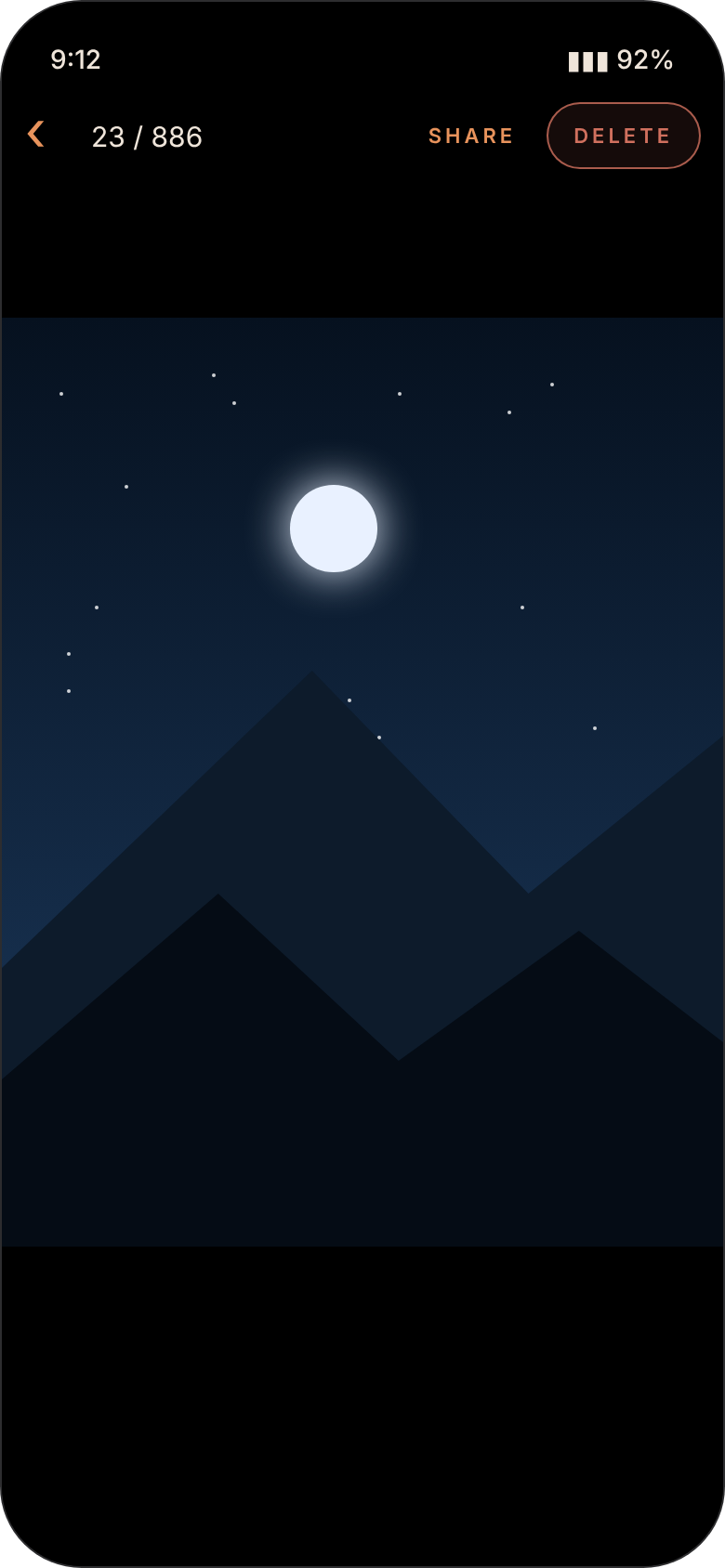
Swipe and zoom
Swipe through photos full screen. Pinch or double-tap to zoom in, and drag around to see the details.
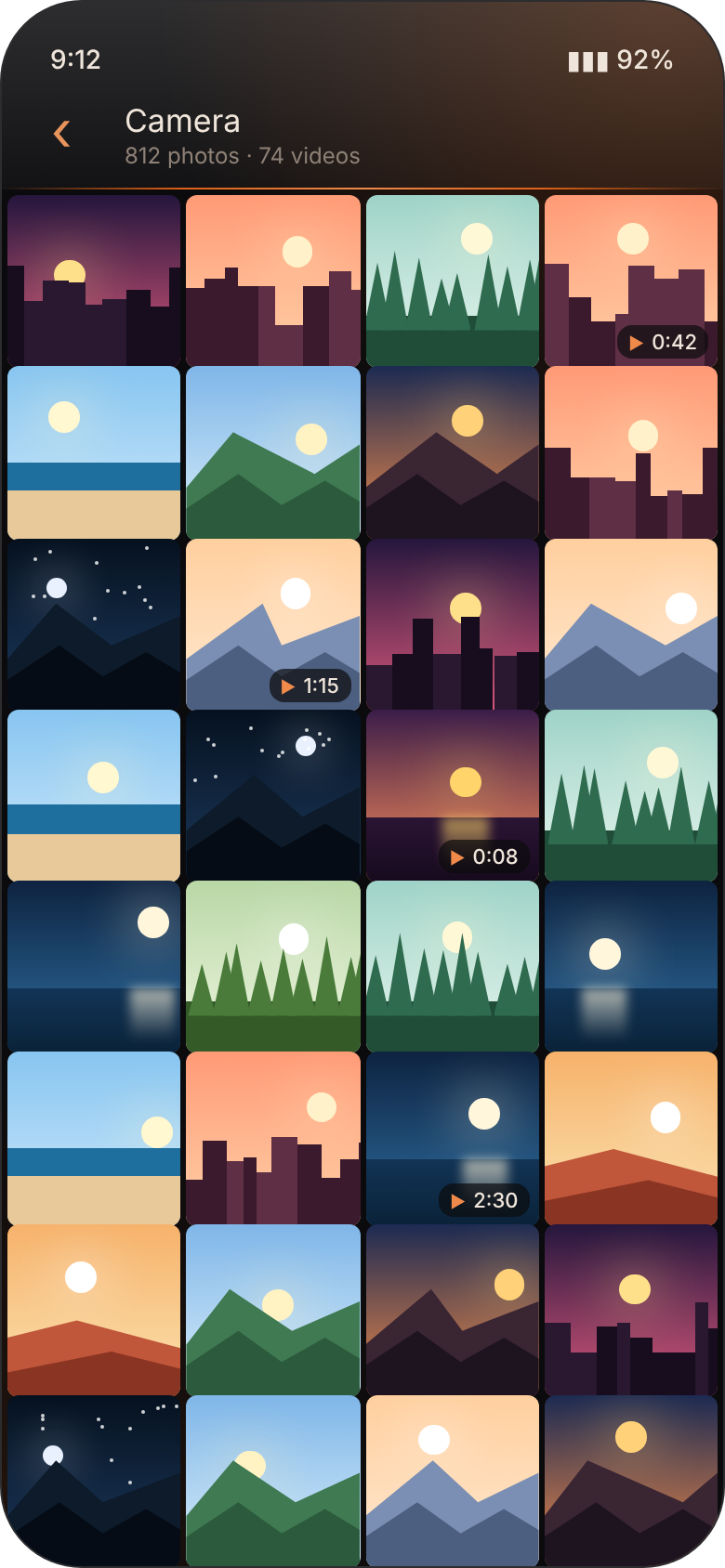
Videos too
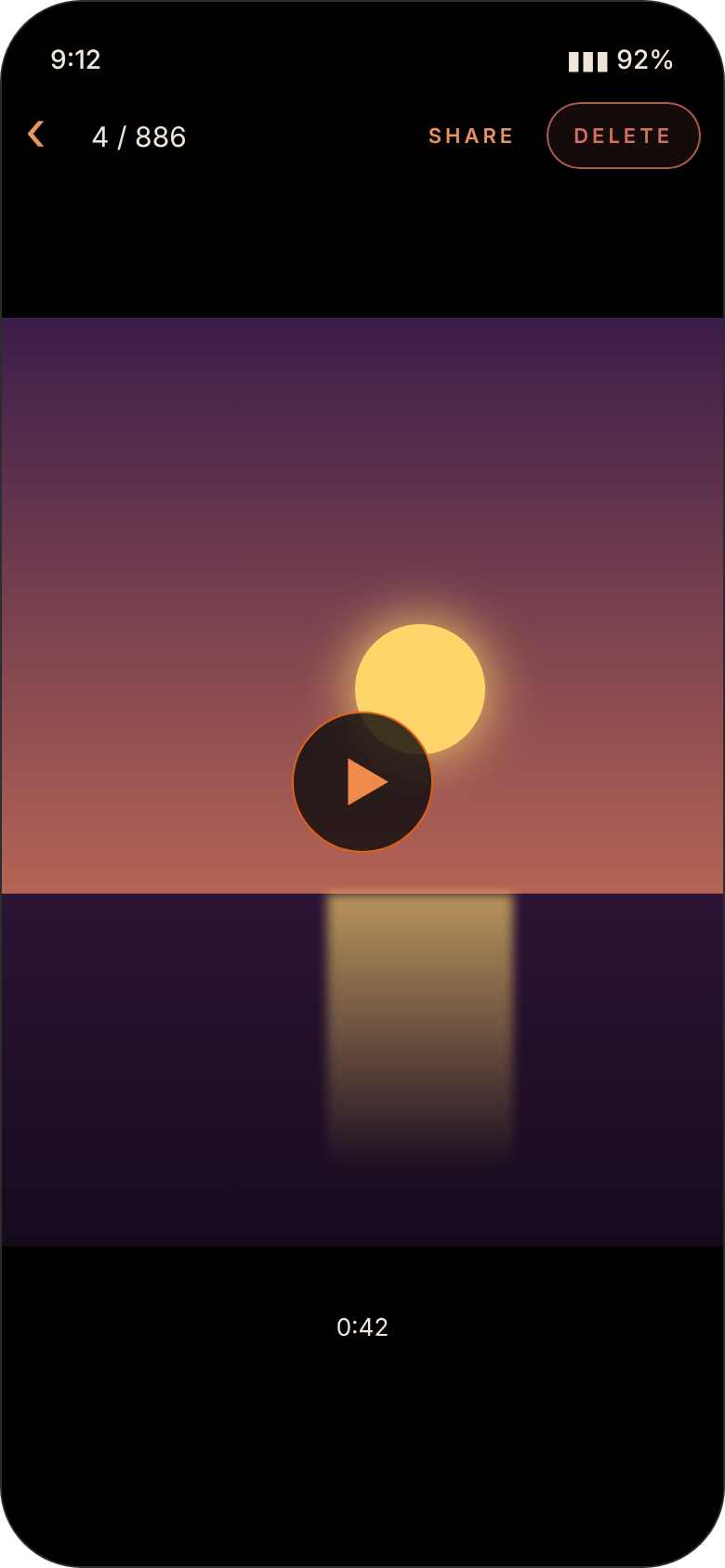
Videos sit right next to your photos, with their length shown. Tap to play with the familiar controls.
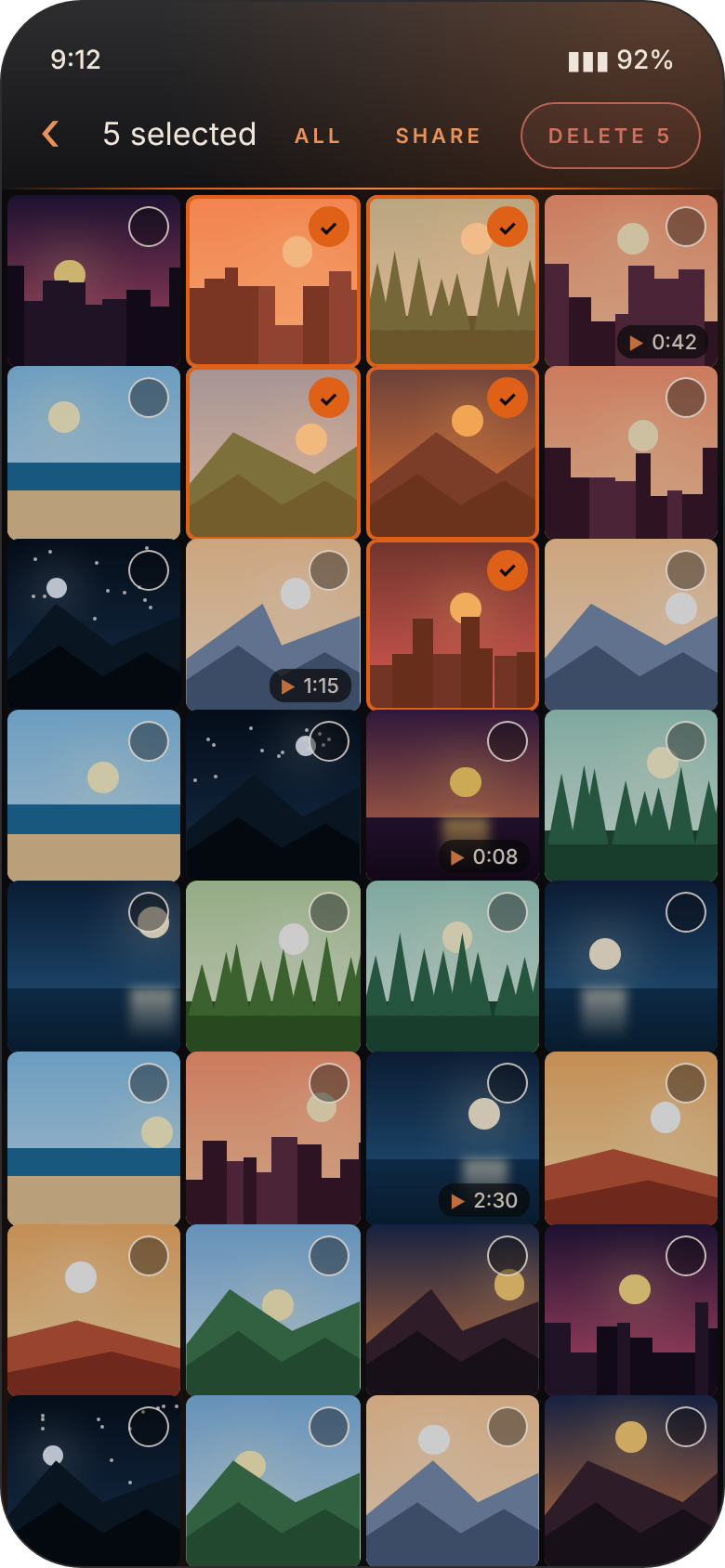
Select many at once
Long-press to start selecting, tap to add more, or select the whole album in one go.
Share in a tap
Send one photo or a whole selection to WhatsApp, email, Drive or any app you like.
Private by design
No sign-up, no ads, no tracking and no internet. Your photos stay on your phone; nothing is ever uploaded.
Dark, glossy and easy on the eyes.

Get CodenGallery
Updating? Install the new file over the old one. Your photos are untouched.
- Tap Download APK on your Android phone.
- Open the downloaded file. If Android asks, allow installs from your browser, just for this once.
- Tap Install, open CodenGallery and tap Allow access to see your photos and videos.
This app isn't on the Play Store, so Android shows a standard "unknown source" notice. That's normal for apps installed directly.
Good to know.
Does it upload my photos anywhere?
No. CodenGallery has no internet access at all. It only reads the photos and videos already on your phone.
Is deleting permanent?
Yes. There is no trash, so deleted photos and videos can't be brought back. On Android 11 and newer, Android itself asks you to confirm before anything is deleted.
Why does Android ask to allow the delete?
From Android 11, every gallery app must get your confirmation before deleting photos it didn't create. It's a safety rule from Android, not an extra step from the app.
I only see some of my photos. Why?
On Android 14 you may have chosen "Select photos" instead of "Allow all". Tap "Allow all" at the top of the albums screen to show everything.
Does it show ads or collect my information?
No ads, no tracking and no accounts. Nothing leaves your phone unless you choose to share it.