Just your songs, A to Z.
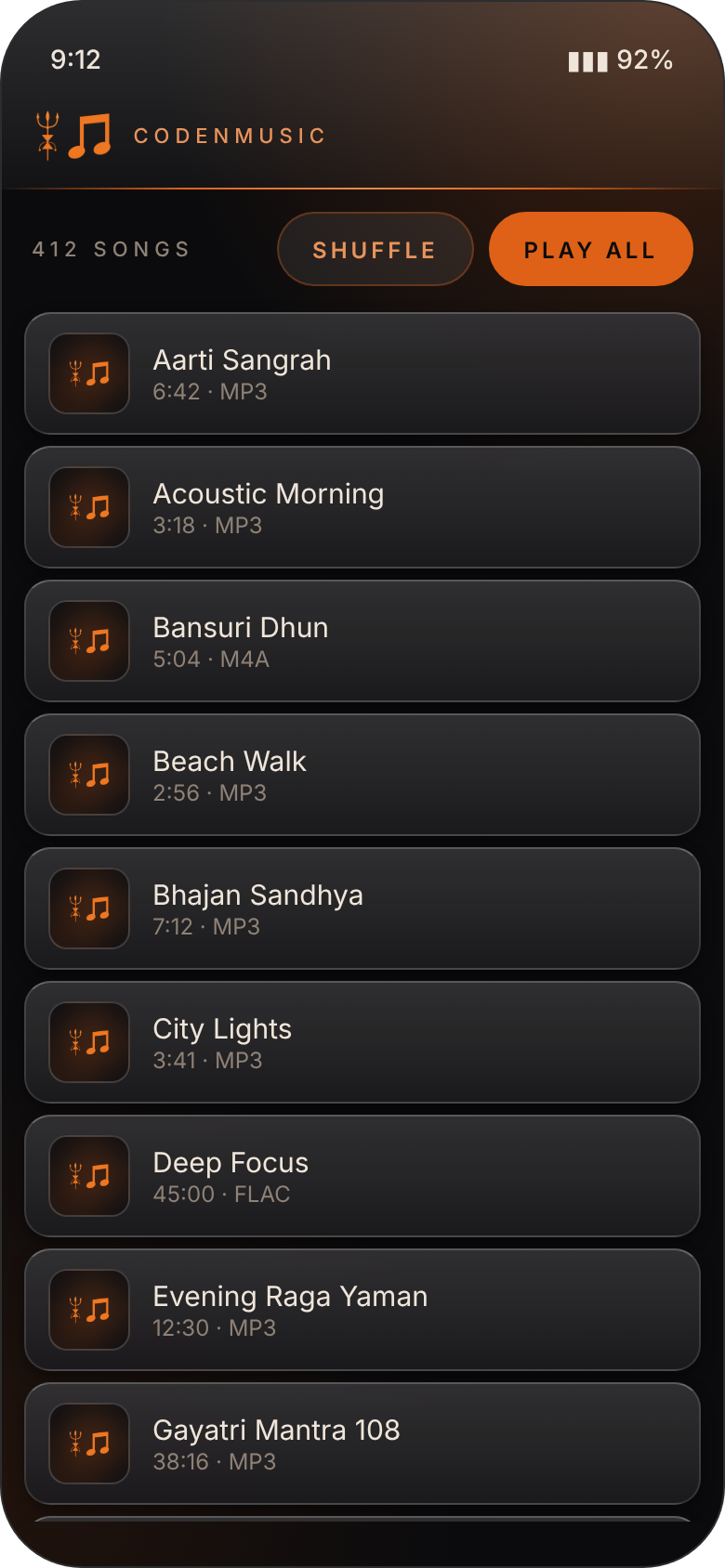
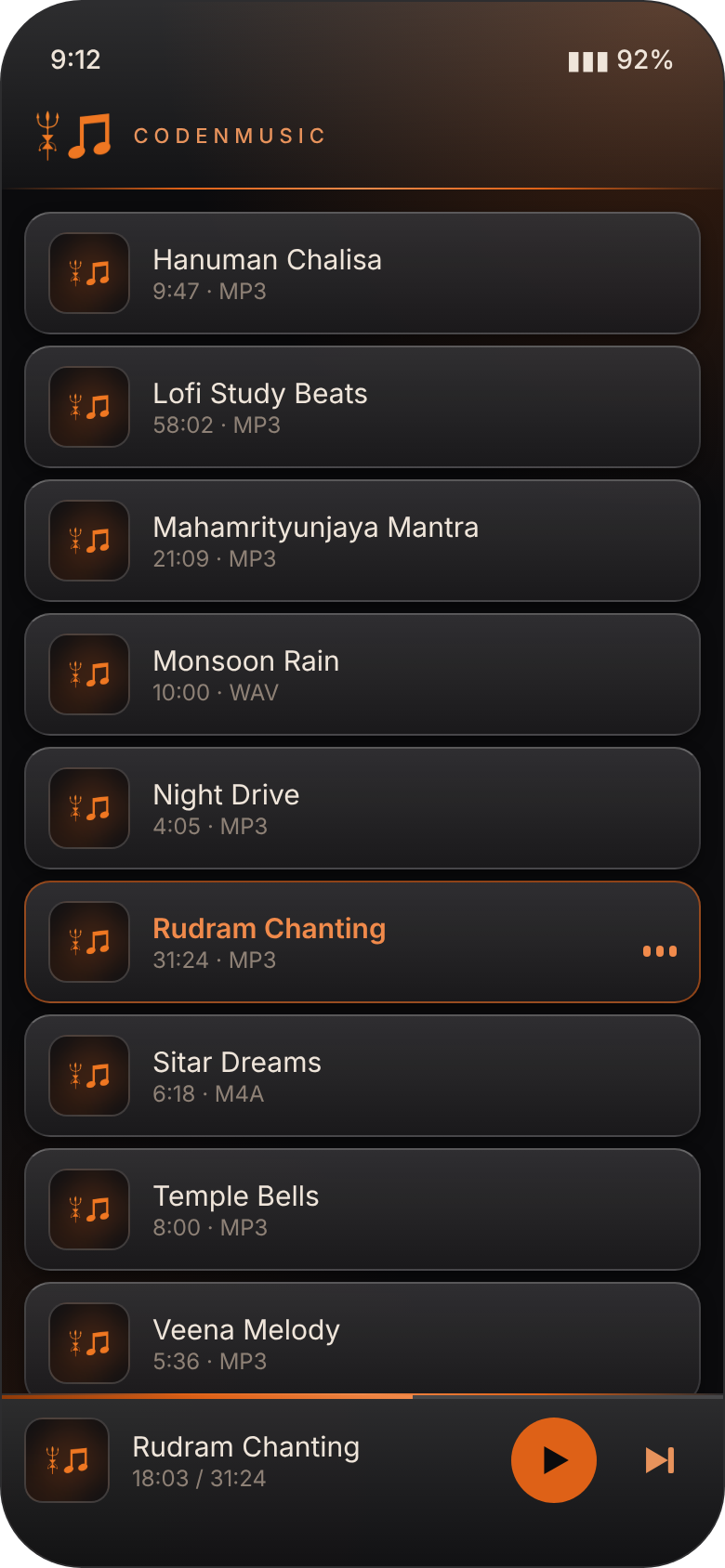
CodenMusic plays the audio files on your phone from one clean list, sorted by name. No artists, albums or genres to dig through: tap a song and listen.
One list. Press play.
One A–Z list
Every audio file on your phone in a single list, sorted by file name. No tabs, no artists or albums, nothing to dig through.
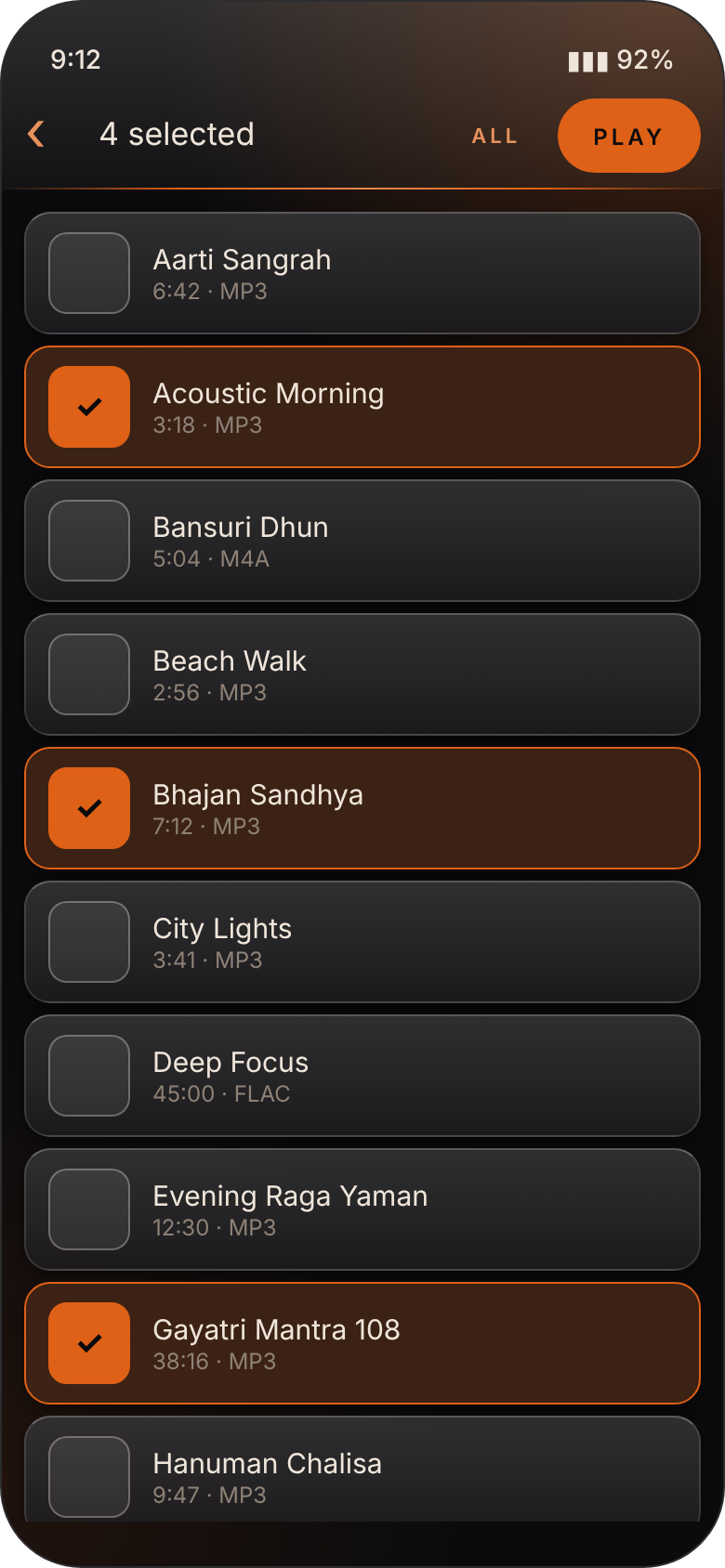
Pick what to play
Long-press to select a few songs, or select all, and play just those. Or tap any song to play from there.
Shuffle and repeat
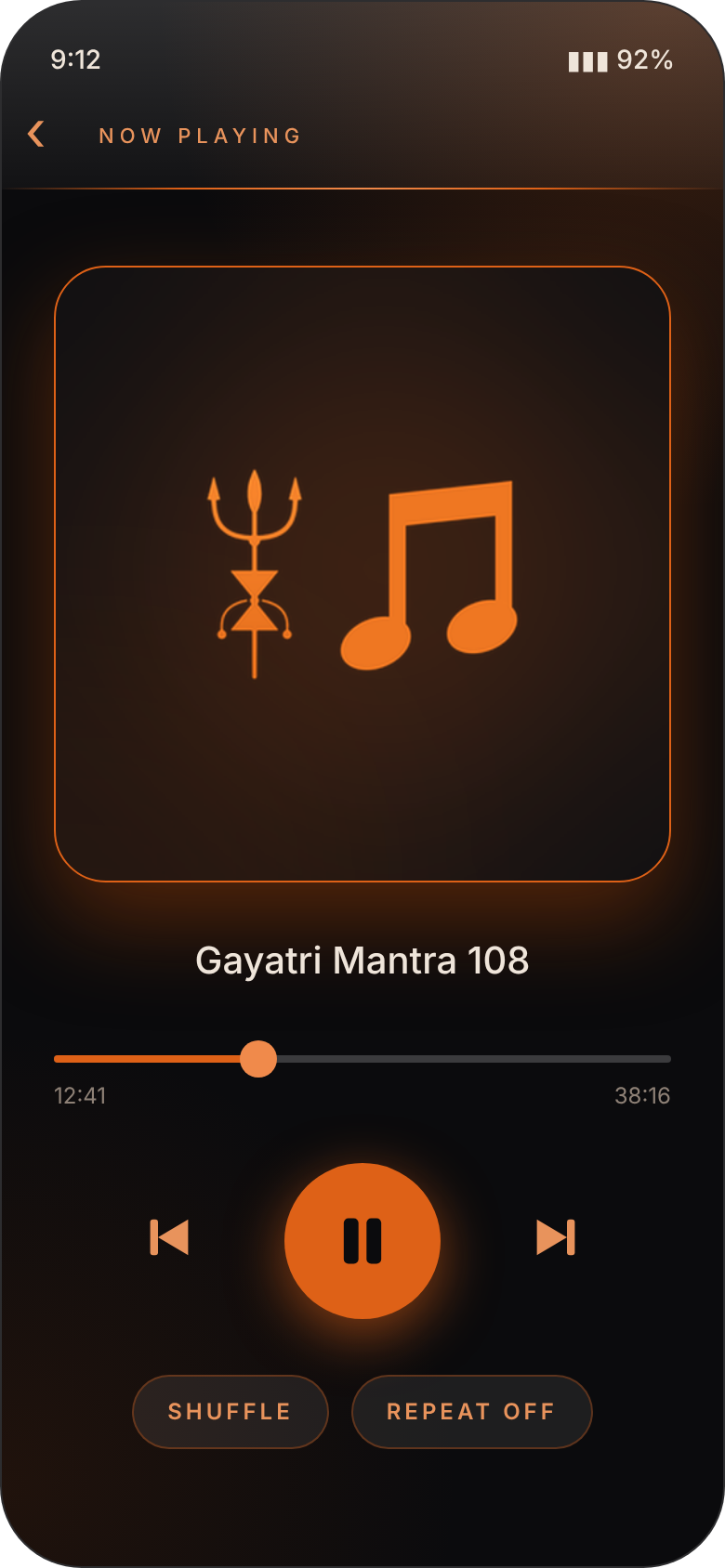
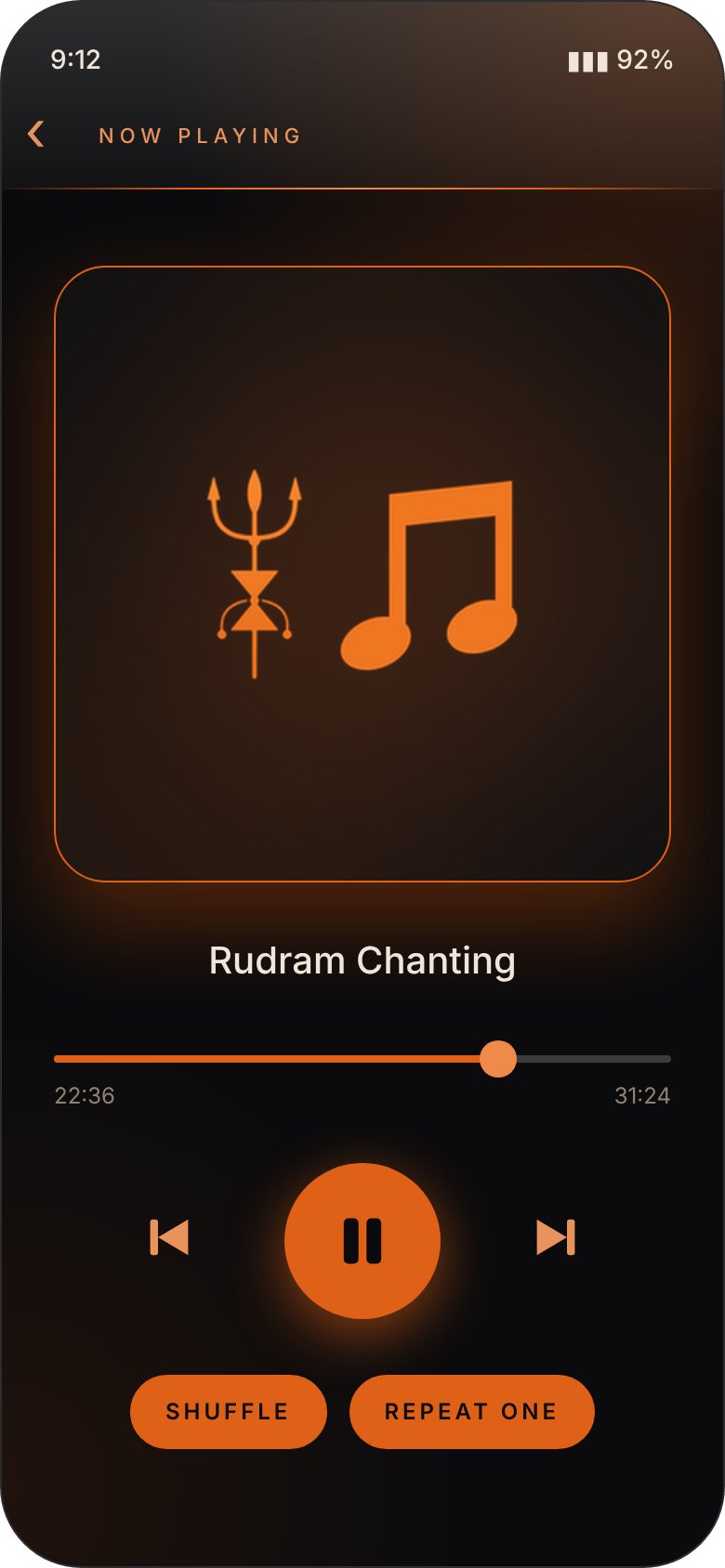
Play all, shuffle the whole list, or repeat a single song or the full queue.
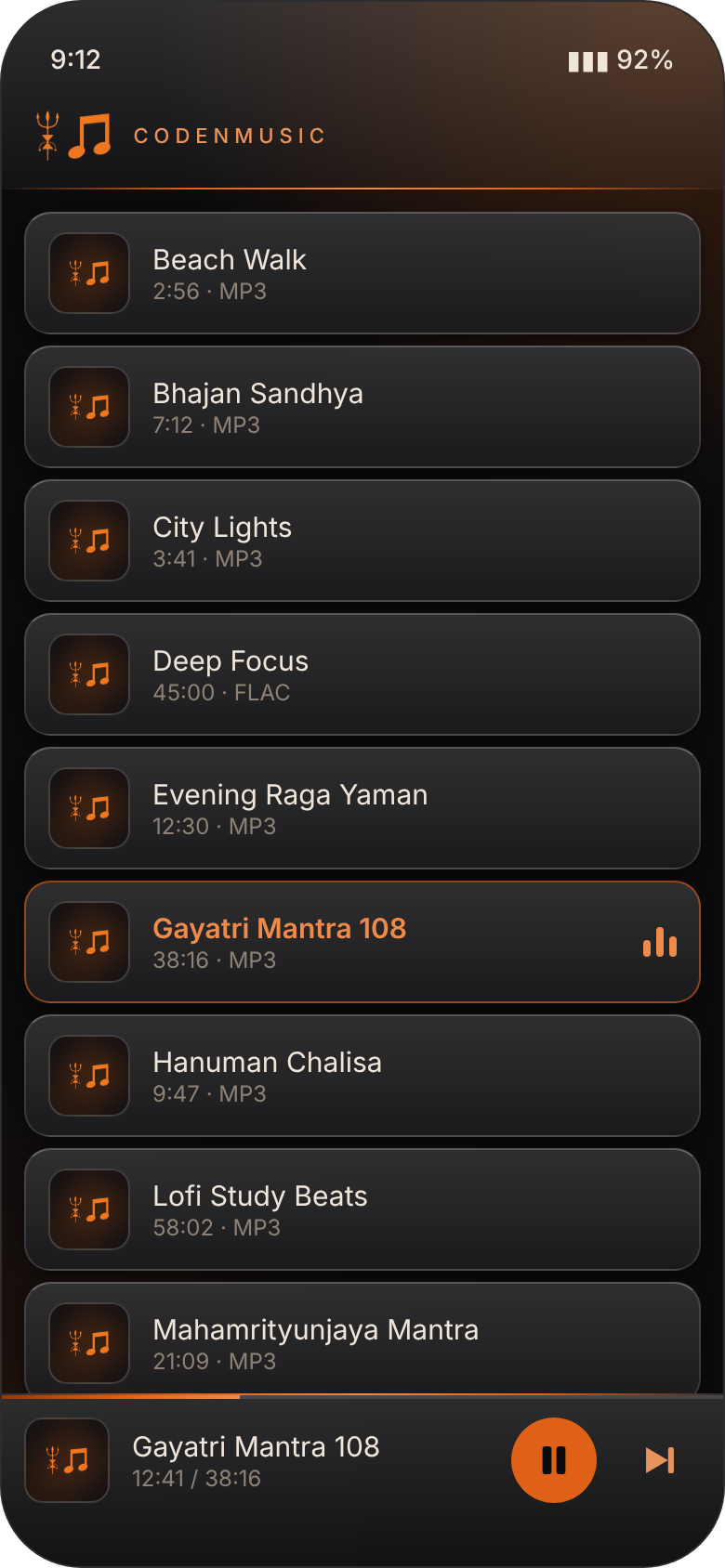
Plays in the background
Keeps playing with the screen off or in another app, with controls on the lock screen and in the notification shade.
Pauses when it should
Unplug your headphones or take a call and the music pauses by itself.
Private by design
No sign-up, no ads, no tracking and no internet. It only plays the files already on your phone.
Dark, glossy and easy on the eyes.

Get CodenMusic
Updating? Install the new file over the old one. Your music files are untouched.
- Tap Download APK on your Android phone.
- Open the downloaded file. If Android asks, allow installs from your browser, just for this once.
- Tap Install, open CodenMusic and tap Allow access to see your songs.
This app isn't on the Play Store, so Android shows a standard "unknown source" notice. That's normal for apps installed directly.
Good to know.
Why is there no artist or album view?
On purpose. CodenMusic keeps things simple: one list of every audio file, sorted A–Z by file name. Rename a file to change where it appears.
Why does every song show the same picture?
CodenMusic always uses its own logo as the artwork, so the list and player look calm and consistent.
Does it keep playing when I lock my phone?
Yes. It plays in the background and shows play, pause and skip controls on the lock screen and in the notification shade.
Which audio files does it play?
The common ones Android supports, including MP3, M4A/AAC, FLAC, WAV and OGG.
Does it show ads or collect my information?
No ads, no tracking and no accounts. It only plays the files already on your phone.