Your inbox, cleared in one tap.
CodenSMS is a plain SMS app for Android. Read your texts, pick the ones you don't need, or wipe them all at once. No archive, no trash, no popups and no ads.
Just your messages, nothing else.
All your texts, plainly
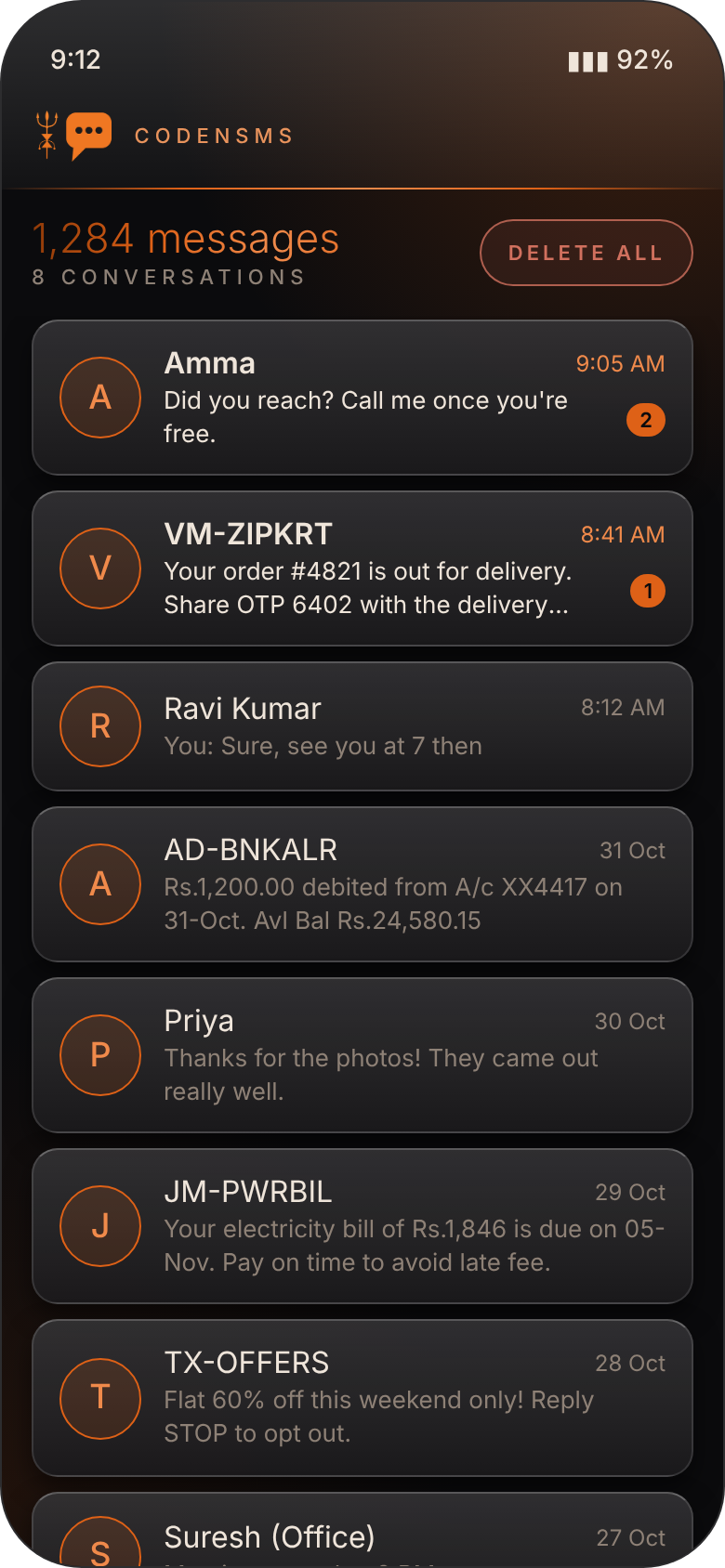
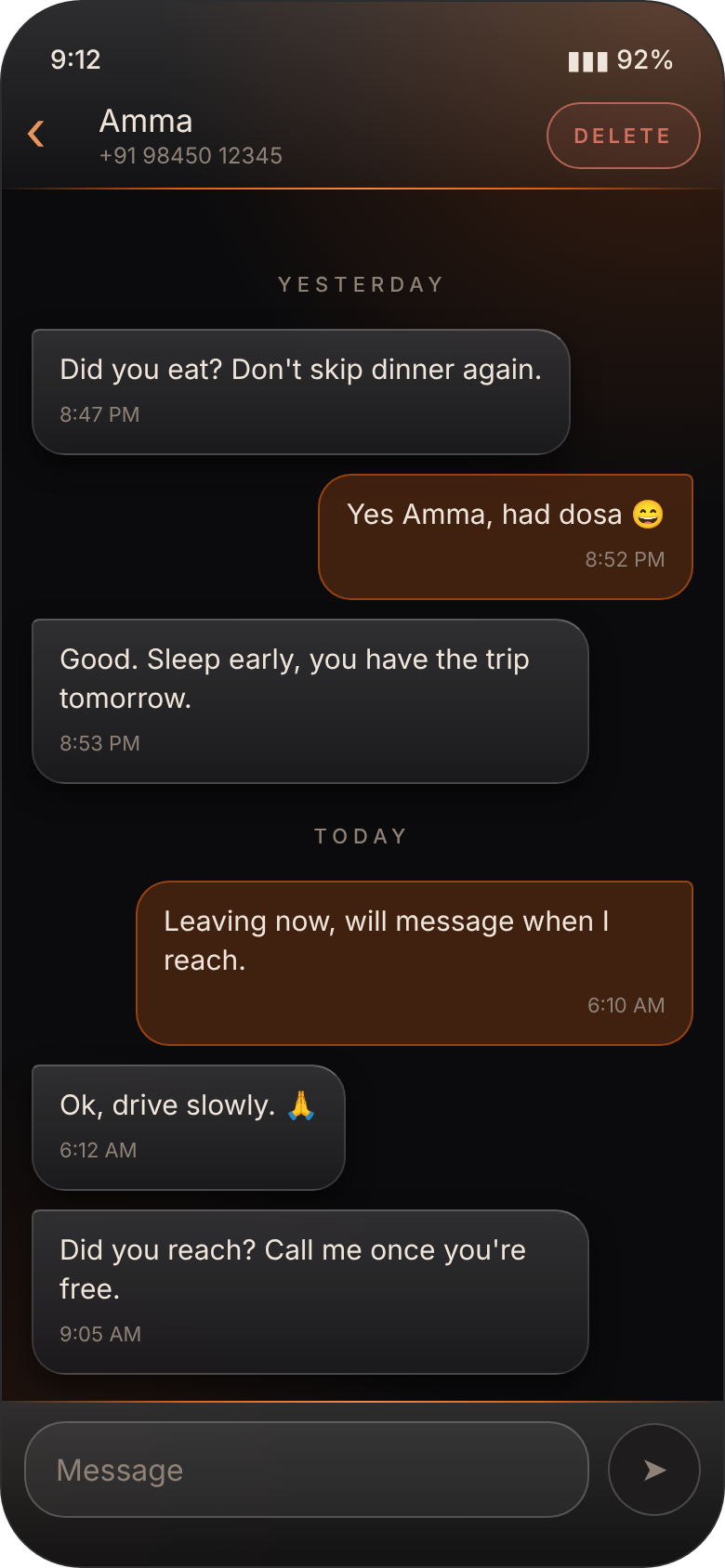
Every conversation in one calm list, with contact names, unread counts and the latest message. Open one to read it as a simple chat.
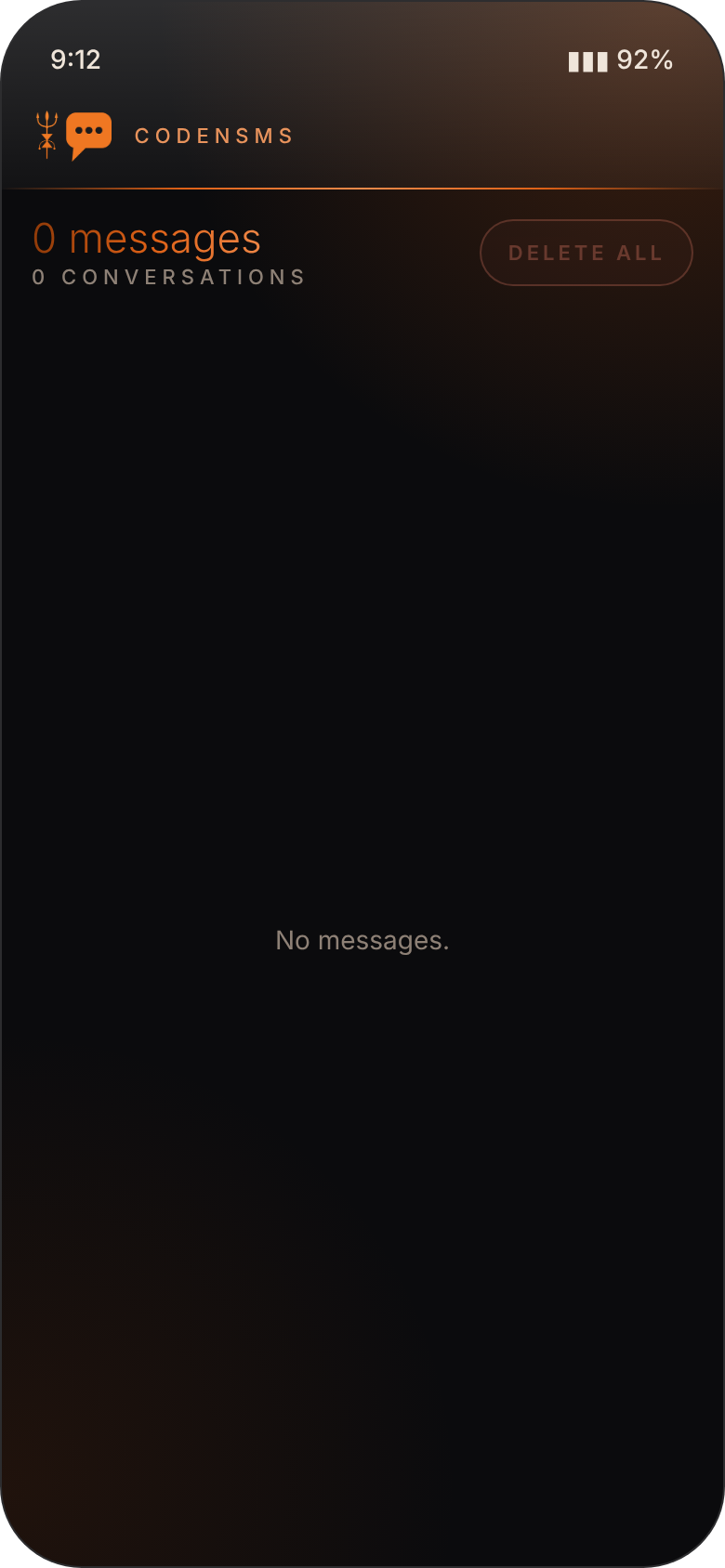
Delete all, in one go
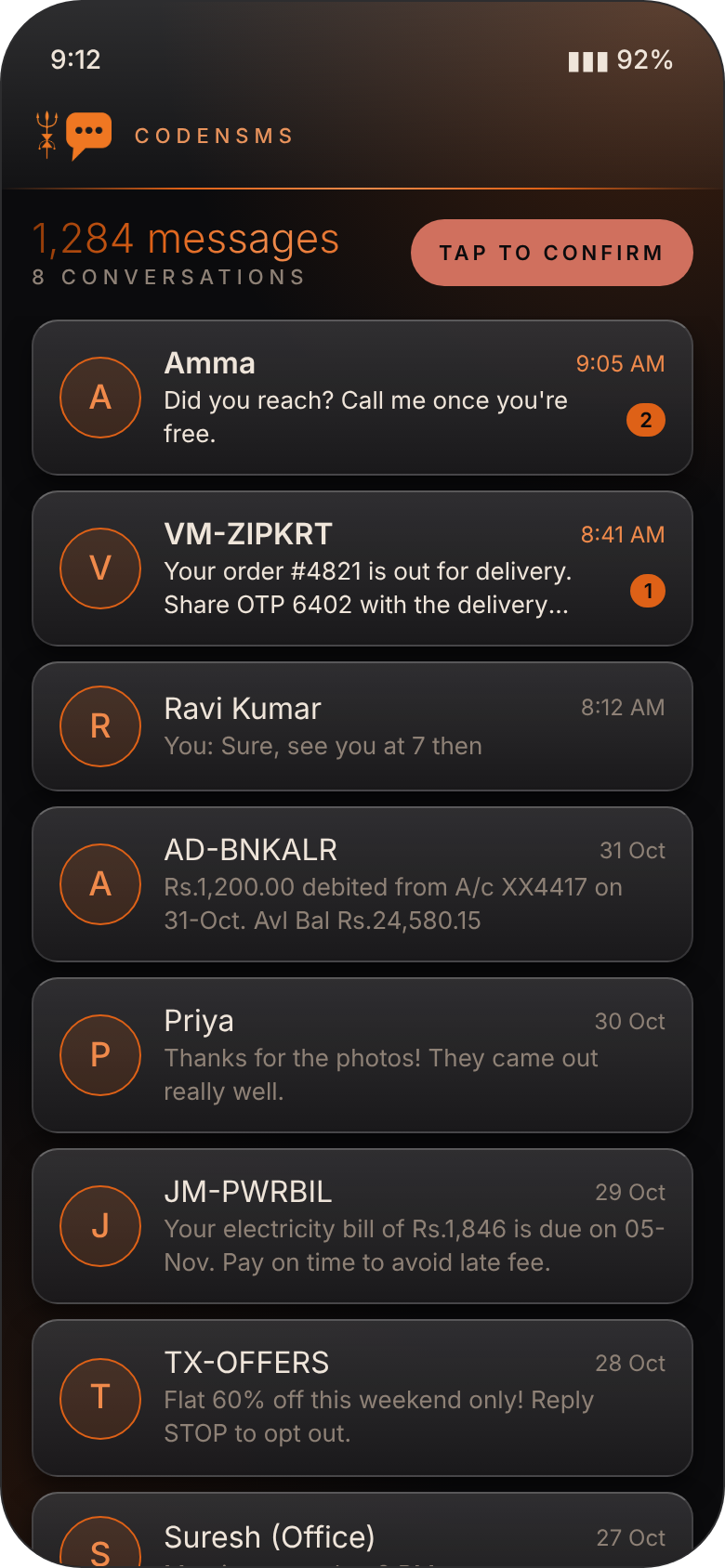
Tap Delete all, then tap again to confirm. Every message is gone. No archive, no trash bin, nothing piling up somewhere else.
Pick and choose
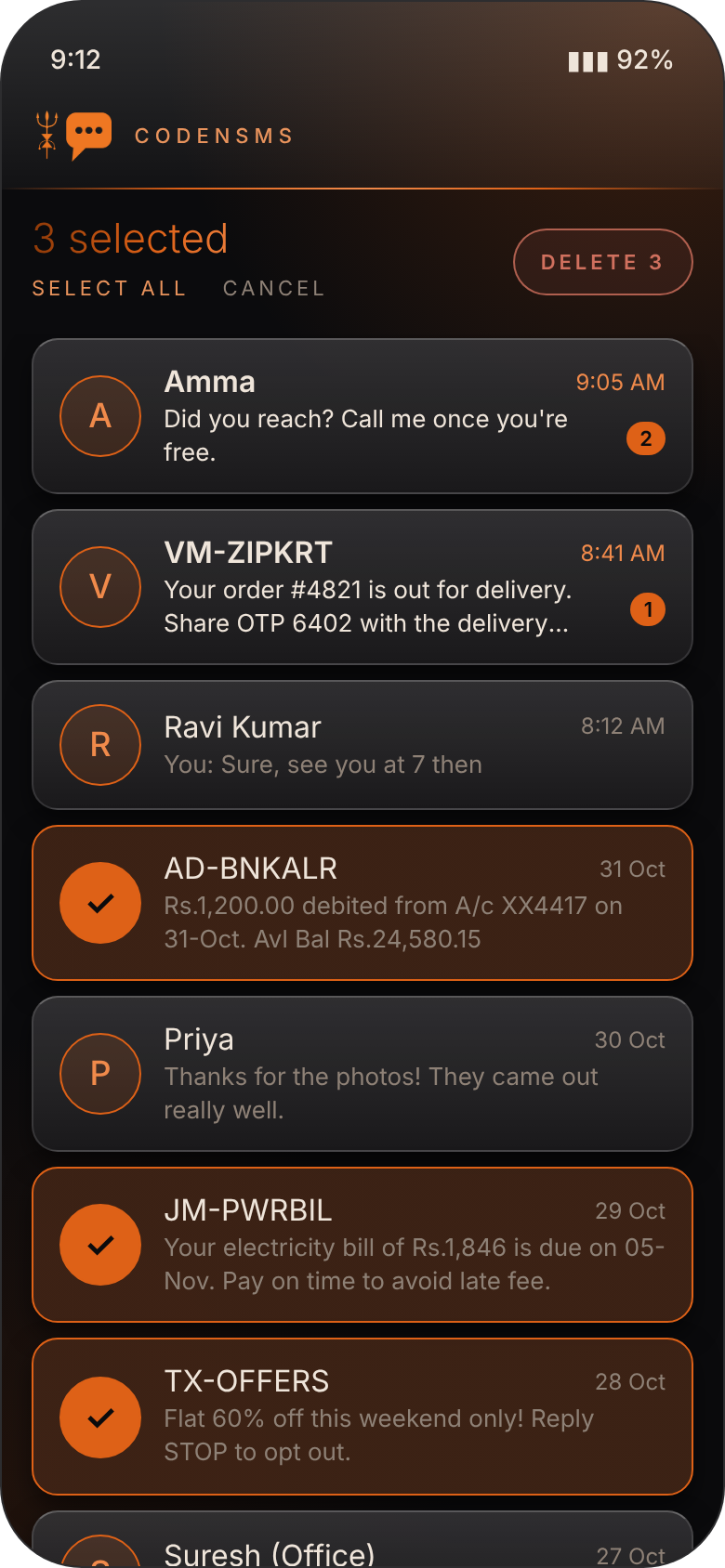
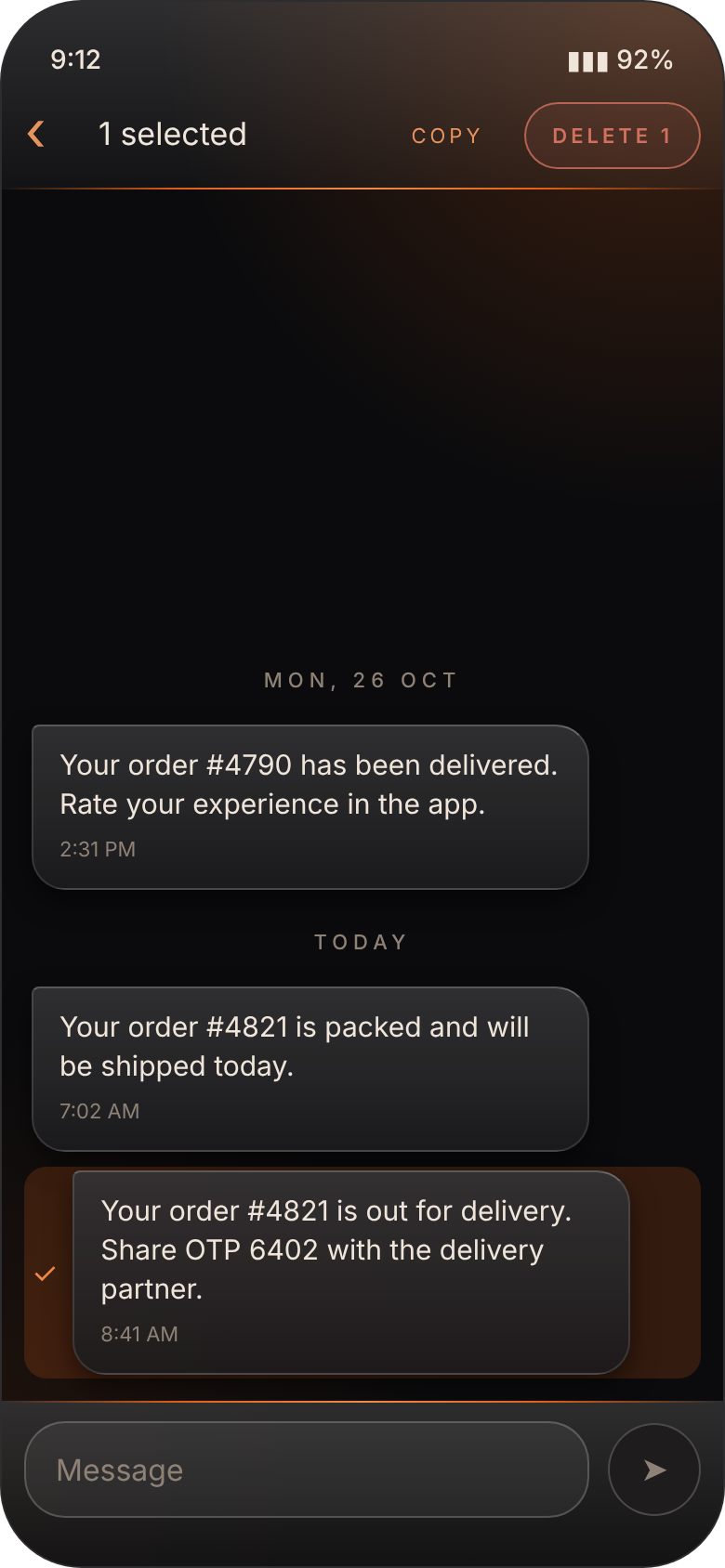
Long-press to select conversations or single messages, tap to add more, or Select all. Delete just those and keep the rest.
OTPs still work
Your bank and shopping apps keep auto-filling codes as usual. Need one by hand? Long-press the message and tap Copy.
No popups, no pings
CodenSMS never interrupts you. No notifications, no dialogs. New texts are quietly waiting the next time you open it.
Private by design
No sign-up, no ads, no tracking and no internet. Your messages stay in your phone's own SMS storage, nowhere else.
Dark, glossy and easy on the eyes.

Get CodenSMS
Updating? Install the new file over the old one. Your messages are untouched.
- Tap Download APK on your Android phone, open the file, and allow installs from your browser if asked.
- If you see "App blocked to protect your device": open the Play Store, tap your profile, then Play Protect → ⚙ and turn off Scan apps while you install. Turn it back on afterwards.
- Open CodenSMS and tap Allow access. If the SMS permission is grayed out, go to App info → ⋮ → Allow restricted settings, then try again.
Android shows these extra steps for any SMS app installed outside the Play Store, because scam apps misuse SMS access. CodenSMS never sends your messages anywhere.
Good to know.
Why does it ask to be my default SMS app?
Android only lets the default SMS app delete messages. The first time you delete, Android asks once. While CodenSMS is the default, it quietly saves new texts as they arrive.
Is "Delete all" really permanent?
Yes. There is no archive and no trash, so deleted messages can't be brought back. That's why it asks for a second tap before anything is removed.
Will OTP auto-fill still work?
Yes. Apps, your keyboard and Chrome read verification codes through Android itself, not through the SMS app, so auto-fill keeps working. You can also long-press any message and tap Copy.
Will I get a notification for new messages?
No. CodenSMS is deliberately quiet: no notifications and no popups. New texts appear, with an unread count, the next time you open the app.
Does it show picture messages or RCS chats?
No, CodenSMS is for regular text messages (SMS) only. Picture messages (MMS) aren't shown, but Delete all removes them too.
How do I go back to my old SMS app?
Open Settings → Apps → Default apps → SMS app and choose the other app. Your remaining messages stay on the phone.