Your notes, always at hand.
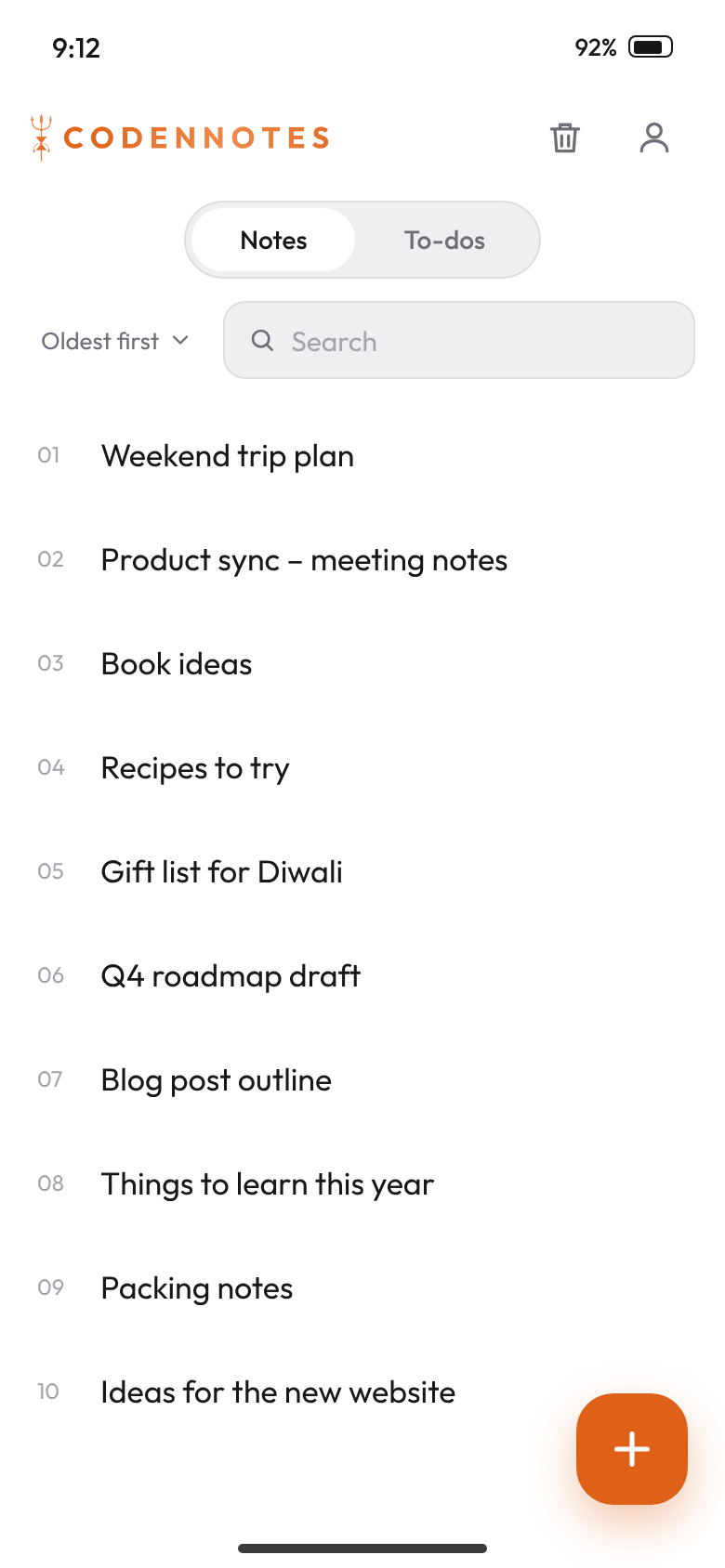
A real Android app for CodenNotes. Write notes, build to-do lists and hide what's done. Everything stays in sync with the website, with no ads and nothing in your way.
Everything you need, nothing you don't.
A real Android app
Built natively for Android, not a website in a box. It opens instantly, scrolls smoothly and feels like it belongs on your phone.
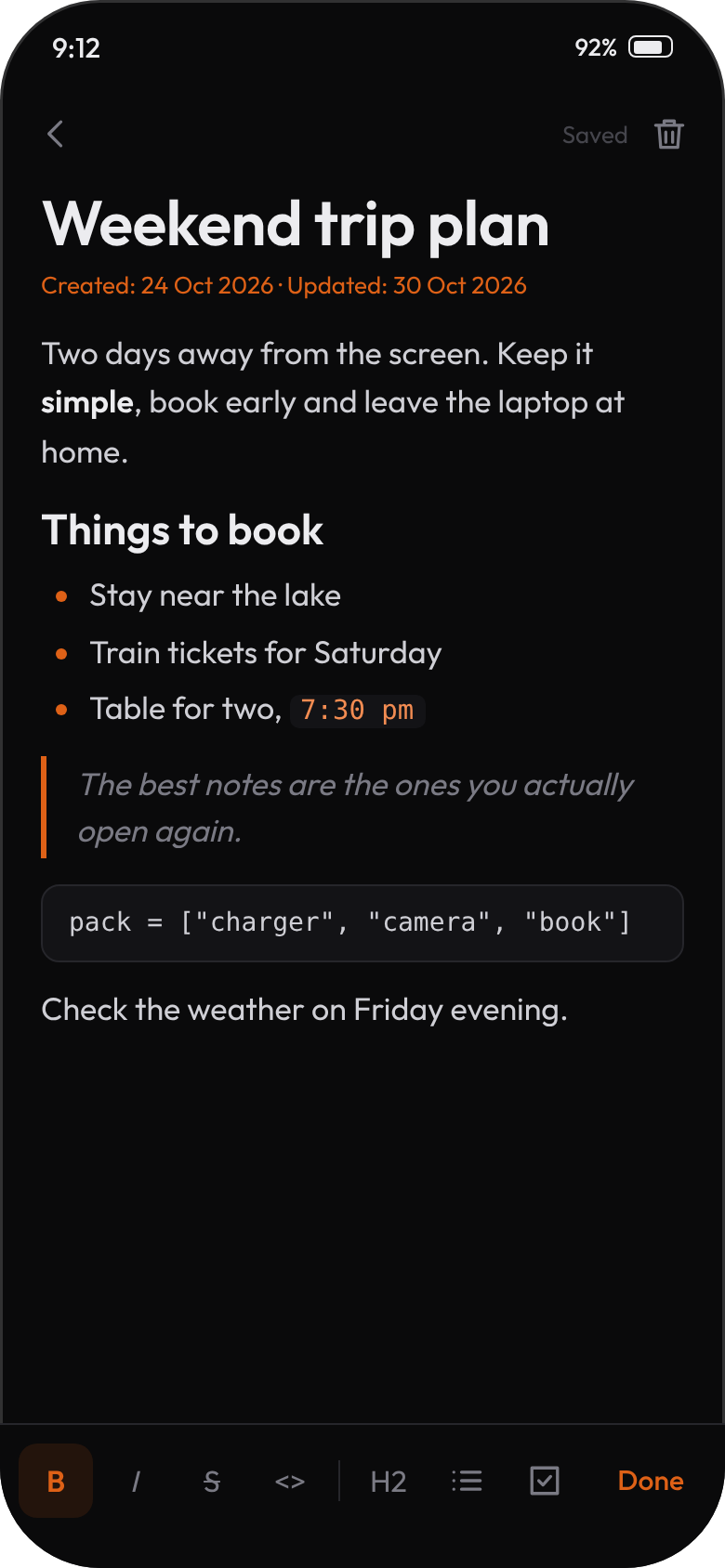
Real formatting
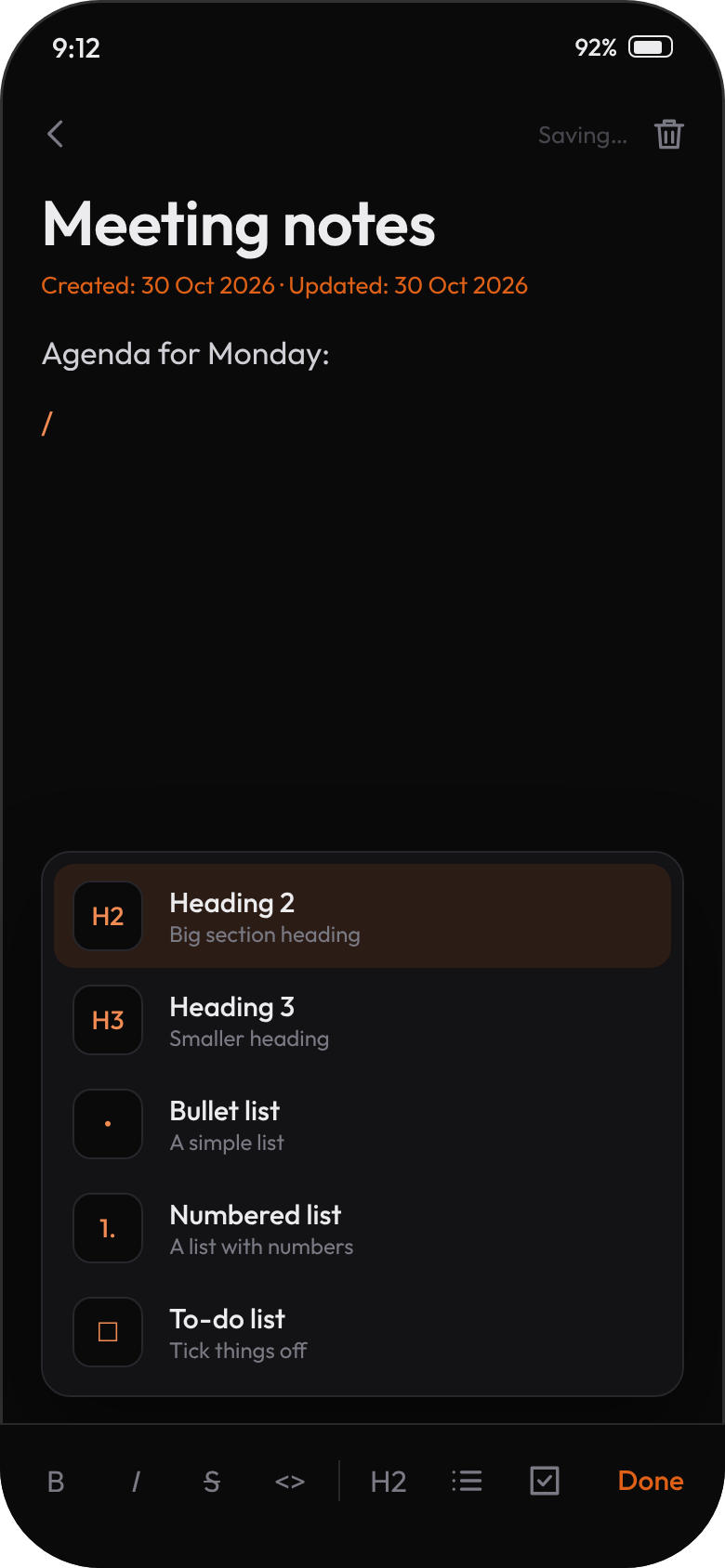
Headings, bold, italic, strikethrough, code, quotes and lists. Type "/" on a new line to pick a block, just like on the website.
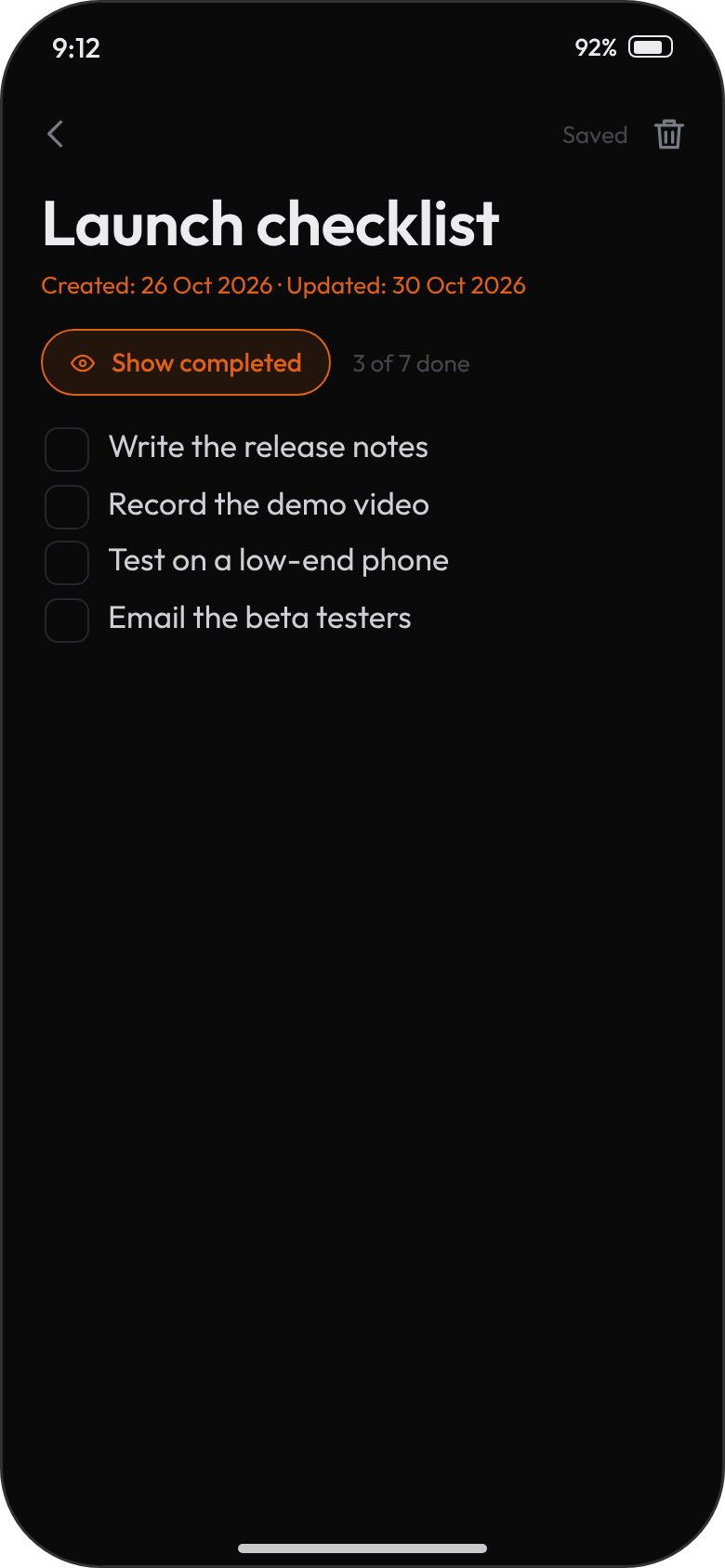
To-do lists, tidy
Tick tasks off as you go, then tap Hide completed to see only what's left. Tap Show completed to bring them back.
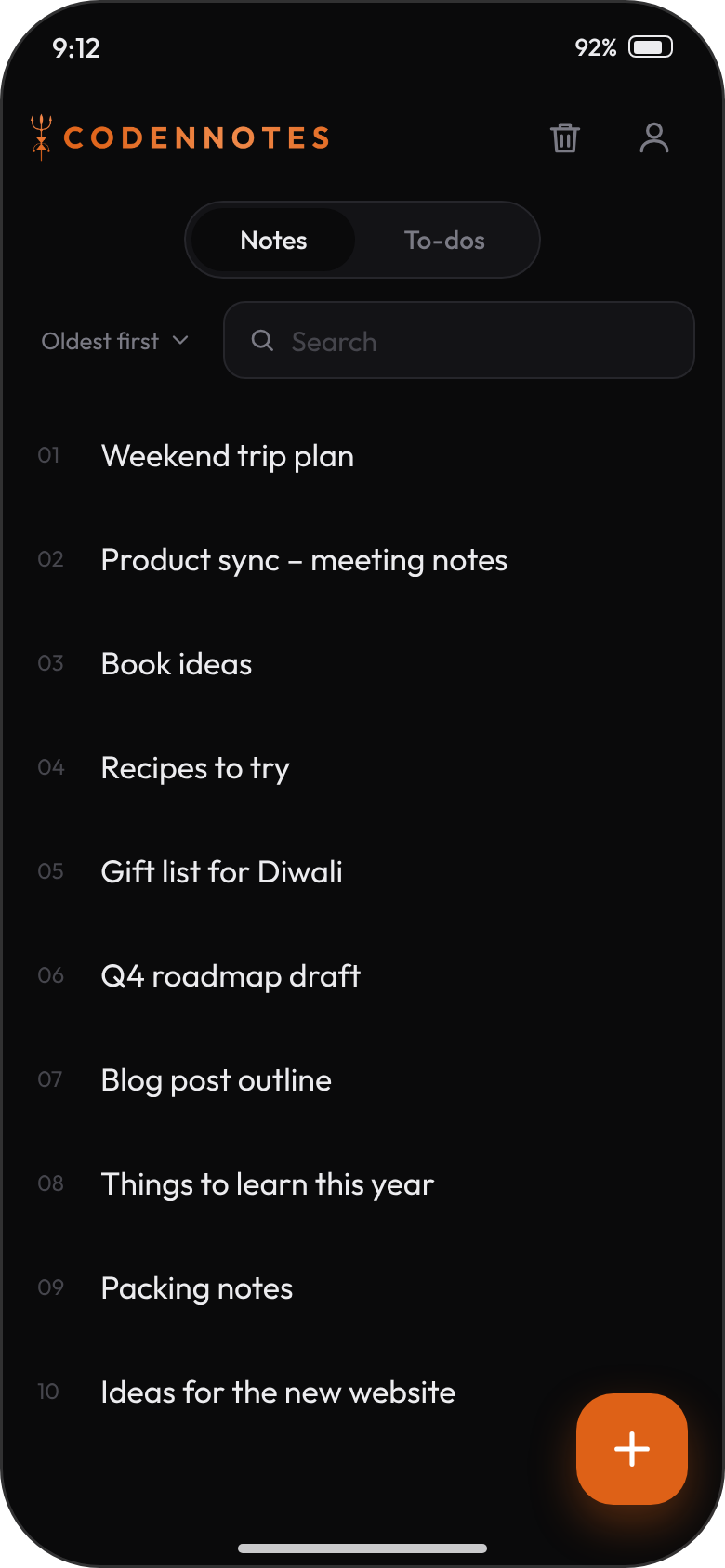
Search, sort, select
Search inside your notes, sort four ways, and long-press to select several notes and move them to the trash together.
Dark and light
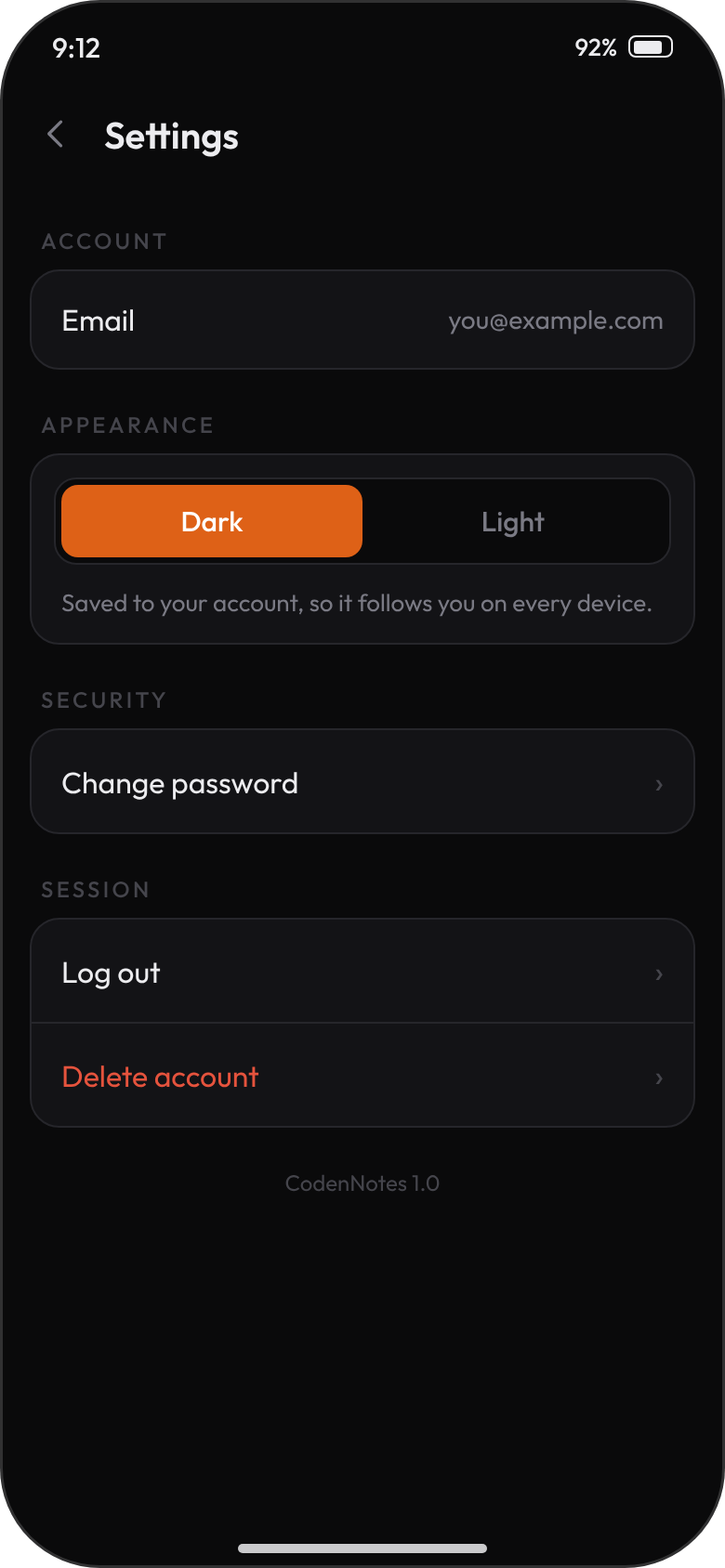
Easy on the eyes at night, crisp in daylight. Your choice is saved to your account and follows you to every device.
Always in sync
Notes save automatically and match the website instantly. Deleted something by mistake? The trash keeps it for 30 days.
Calm, quick and easy on the eyes.

Get CodenNotes
Updating? Install the new file over the old one. Your notes live in your account, so nothing is lost.
- Tap Download APK on your Android phone.
- Open the downloaded file. If Android asks, allow installs from your browser, just for this once.
- Tap Install, open CodenNotes and sign in, or create a free account.
This app isn't on the Play Store, so Android shows a standard "unknown source" notice. That's normal for apps installed directly. Prefer a browser? Use notes.codenbrand.com.
Good to know.
Do I need an account?
Yes, a free CodenNotes account. It's what keeps your notes in sync between the app and the website. You can create one right in the app, or at notes.codenbrand.com.
Are my notes the same on the website?
Yes. Sign in with the same account and you'll see the same notes and to-do lists in both places. Changes save automatically as you type.
How do I hide completed to-dos?
Open a to-do list and tap Hide completed above the tasks. Tap Show completed to bring them back. The app remembers your choice.
I deleted a note by mistake. Can I get it back?
Yes. Deleted notes stay in the trash for 30 days. Open the trash, tap the restore icon, and the note is back.
Can I change my password or delete my account?
Both are in Settings, which you open from the person icon on the notes screen.
Does it show ads or track me?
No ads and no tracking. Your notes are only used to show them back to you.