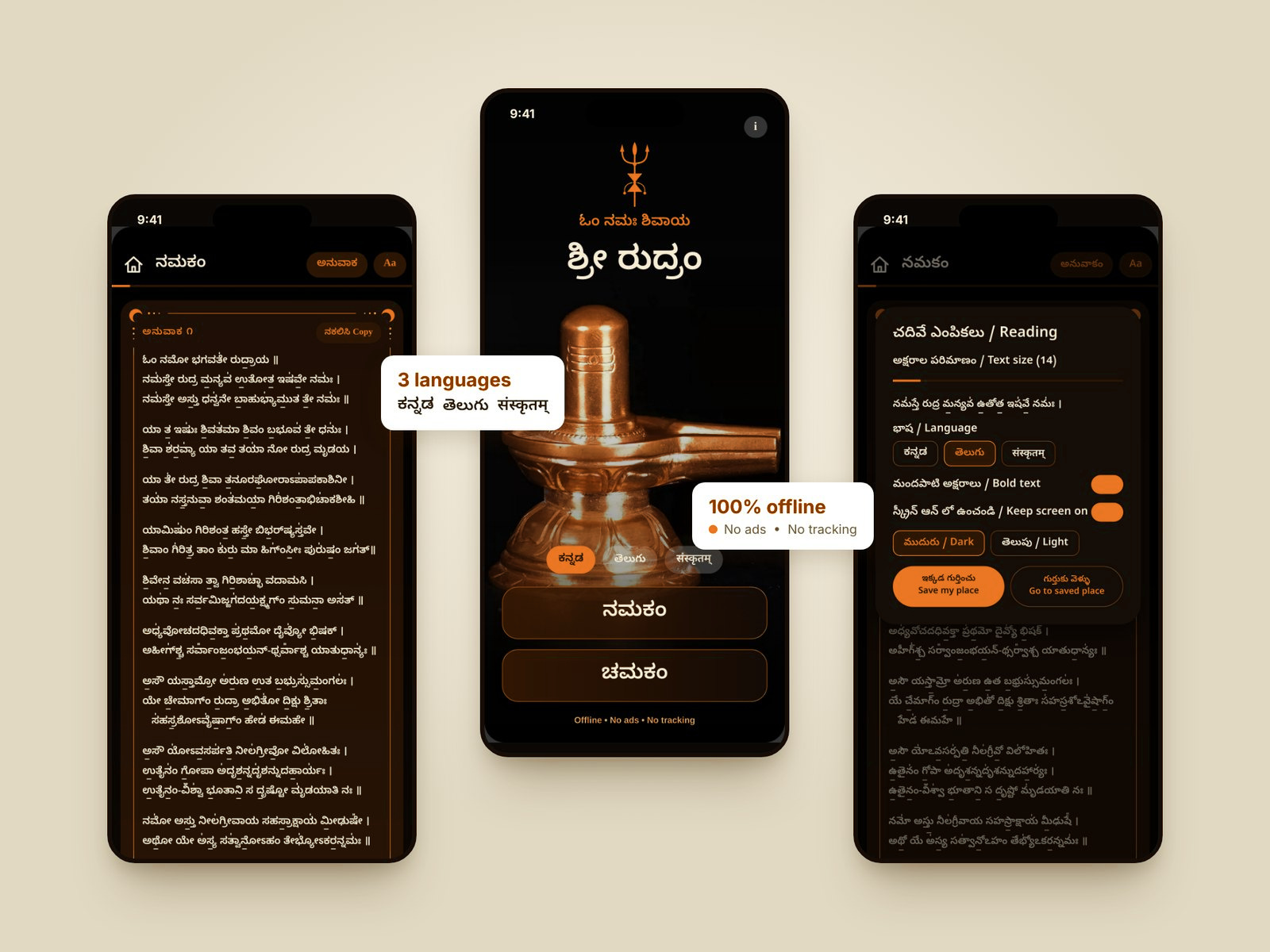
A calm, distraction-free reader for Namakam and Chamakam. Read in Kannada, Telugu or Sanskrit, fully offline, with no ads and no tracking.
Each anuvaka sits on its own card, with large clear text that you can resize, so you can keep your eyes on the mantra.
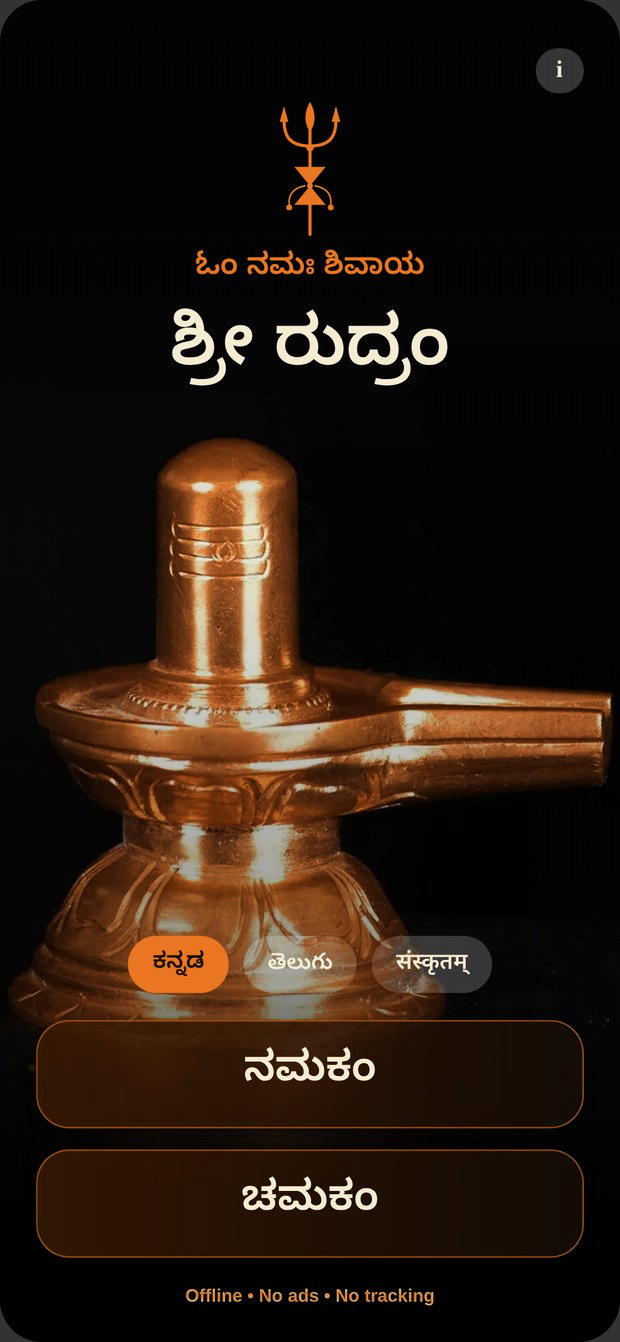
Choose your language
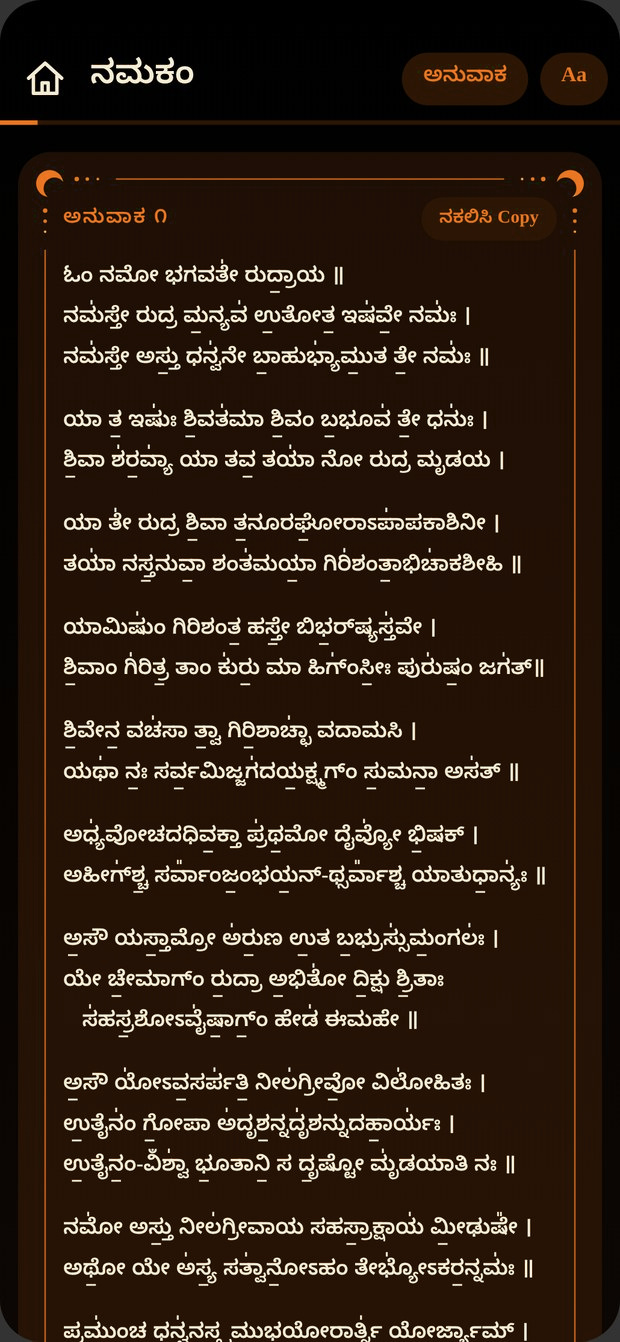
Kannada
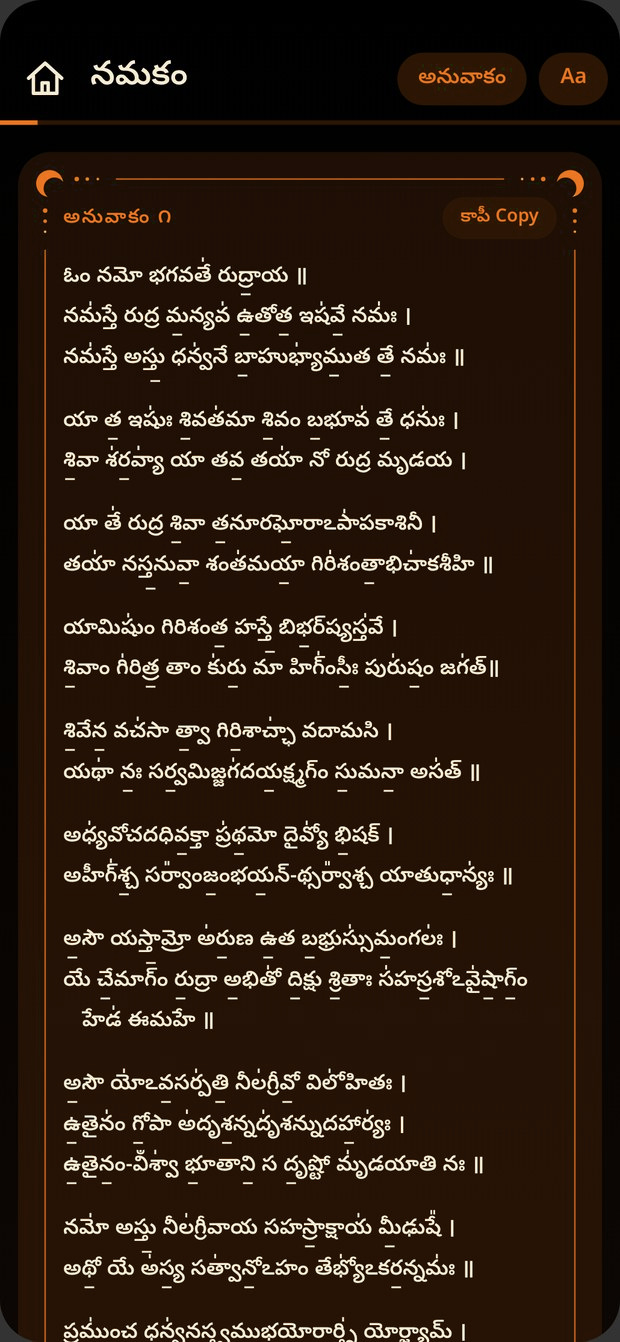
Telugu
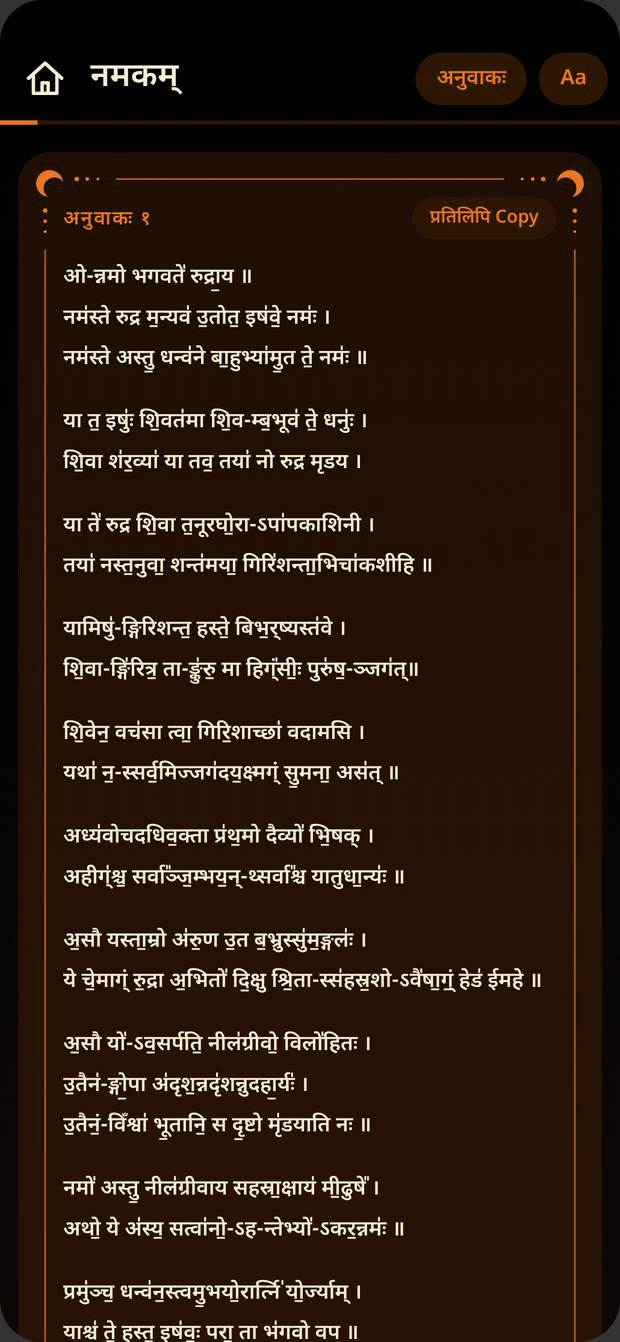
Sanskrit
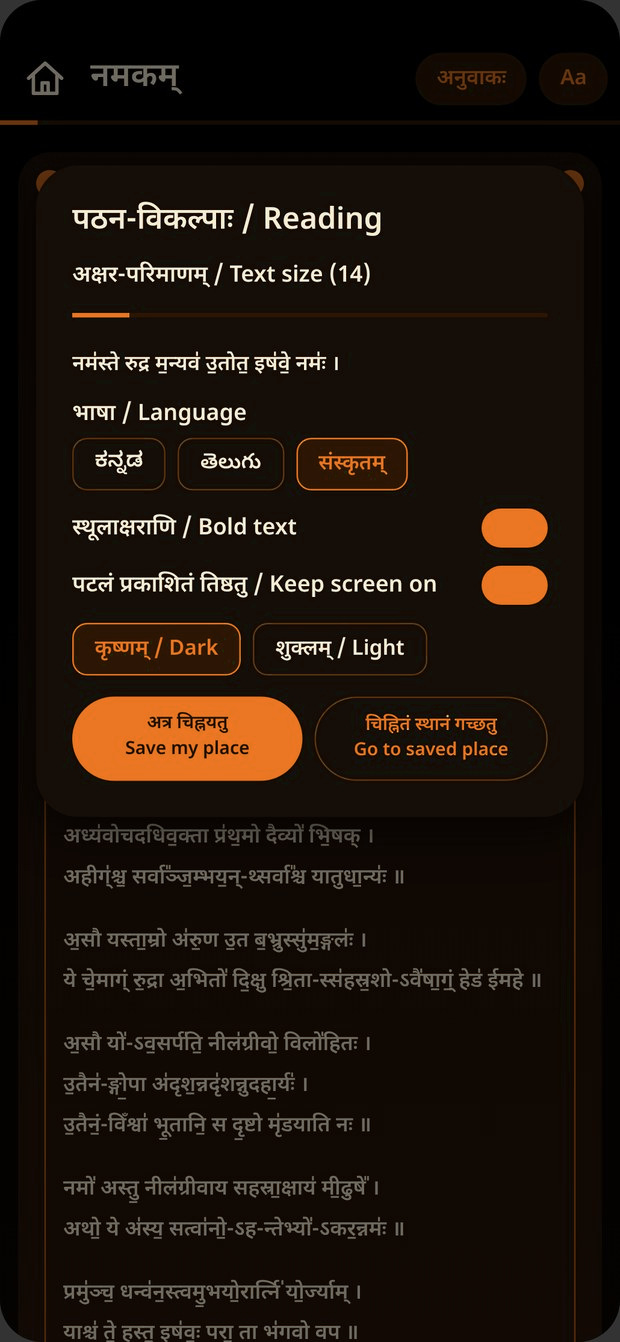
Reading settings
The whole app, including menus and buttons, switches to the language you pick. Your reading place carries across languages.
Simple, devotional and focused on reading.
Both texts, with all 11 anuvakas of each plus the closing, every verse numbered.
Every anuvaka is a single bordered card, so you always know where you are.
Press and hold to select any verse, or copy a whole anuvaka with one tap.
Slide the text size from small to very large, and switch bold on if it helps.
A black and orange night theme for evening chanting, and a soft cream light theme for the day.
Mark where you stopped and jump back to it later. The screen can stay awake while you chant.
Sri Rudram has no ads, no tracking and no accounts. It does not even ask for internet permission. Everything, including the text and fonts, is inside the app, so nothing you read ever leaves your phone.
The app is shared as an APK file, so Android will ask you to allow the install once.
Tap the Download APK button on this page, using your phone. If your browser warns that this type of file can be harmful, choose Download anyway.
When Android asks, turn on "Allow from this source" for the browser you used. You can switch it off again afterwards.
Open the downloaded SriRudram.apk, tap Install, then open Sri Rudram and choose your language.
Android 8.0 or newer is required. If you already have an older version, install over it and your settings will be kept.
Om Namah Shivaya