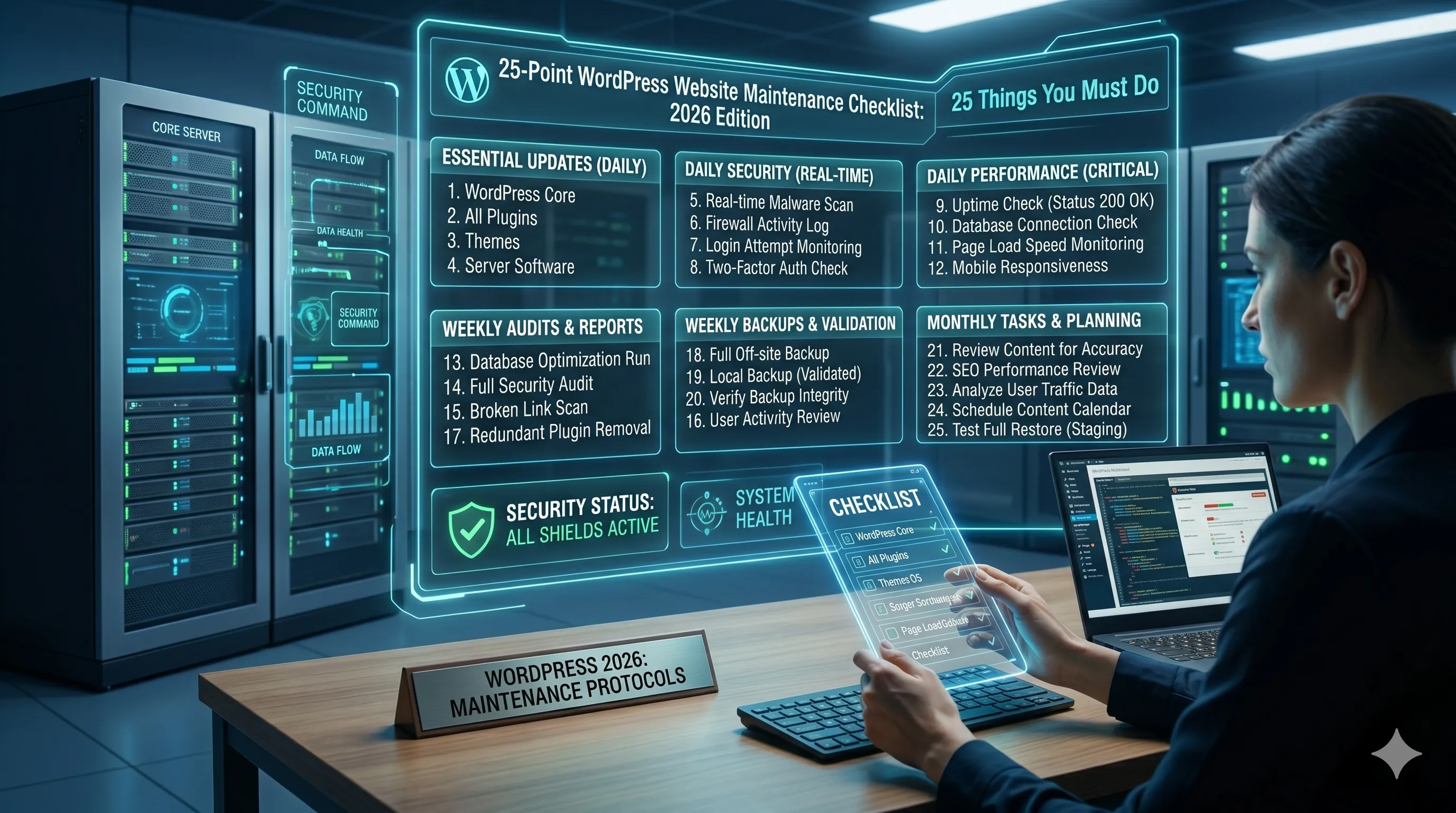
A WordPress website is not a one-time project. It requires regular maintenance to ensure security, performance, SEO health, and smooth user experience. Without proper maintenance, websites become slow, vulnerable to attacks, and lose search rankings over time.
This checklist covers the most important WordPress maintenance tasks you must follow in 2026 to keep your website fast, secure, and fully optimized for growth.
If you need professional help, explore our website maintenance services or contact us for support.
1. Regular WordPress Core Updates
Always keep WordPress core updated to the latest version. Updates fix security vulnerabilities, improve performance, and add new features.
2. Plugin Updates
Outdated plugins are one of the biggest security risks. Update plugins regularly and remove unused ones.
3. Theme Updates
Ensure your active theme is updated to maintain compatibility with WordPress core and plugins.
4. Daily or Weekly Backups
Backups are essential for disaster recovery. Automate backups and store them in secure offsite locations.
5. Website Security Scan
Run regular malware scans to detect vulnerabilities and malicious code early.
Learn more about our website security services.
6. Check Broken Links
Broken links negatively affect SEO and user experience. Fix or remove them regularly.
7. Optimize Database
Clean unnecessary data like revisions, spam comments, and expired transients to improve performance.
8. Improve Website Speed
Optimize images, enable caching, and use performance tools to ensure fast loading times.
9. Mobile Responsiveness Check
Test your website on multiple devices to ensure consistent user experience across screens.
10. Update Content Regularly
Fresh content improves SEO rankings and keeps your website relevant.
11. Monitor Uptime
Ensure your website is always accessible using uptime monitoring tools.
12. Review User Roles and Permissions
Limit admin access and ensure proper role management to improve security.
13. Optimize Images
Compress and convert images to modern formats like WebP for better performance.
14. Fix 404 Errors
Monitor and redirect broken pages to maintain SEO value.
15. Update PHP Version
Using the latest PHP version improves speed, security, and compatibility.
16. Improve Internal Linking
Strengthen SEO by connecting related pages and blog posts effectively.
17. Check SEO Settings
Review meta tags, titles, and schema markup regularly.
18. Remove Spam Comments
Spam comments can affect credibility and slow down your website.
19. Test Forms
Ensure all contact and lead forms are working properly.
20. Monitor Analytics
Track traffic, user behavior, and conversions using analytics tools.
21. Security Hardening
Implement firewall protection, login limits, and secure authentication.
22. Clean Media Library
Remove unused media files to reduce server load.
23. Check External Scripts
Review third-party scripts for performance and security impact.
24. Test Checkout Process (for eCommerce)
If you run an online store, regularly test payment and checkout systems.
25. Review Hosting Performance
Ensure your hosting environment is stable, fast, and scalable.
Why WordPress Maintenance Is Important
Regular maintenance improves website performance, enhances security, boosts SEO rankings, and ensures smooth user experience. Neglecting maintenance can lead to hacks, downtime, and lost business opportunities.
Final Thoughts
WordPress maintenance is not optional—it is essential for long-term success. A well-maintained website performs better, ranks higher, and converts more visitors into customers.
At Codenbrand, we provide complete website maintenance solutions to keep your business website secure, fast, and optimized for growth.
Explore our maintenance services or contact us today.
Frequently Asked Questions
How often should WordPress maintenance be done?
Basic maintenance like updates should be done weekly, while backups and security scans should be performed daily or automatically.
What happens if I don’t maintain my WordPress website?
Your website may become slow, vulnerable to hacks, break due to outdated plugins, or lose search rankings over time.
Can I automate WordPress maintenance?
Yes, many tasks like backups, updates, and security scans can be automated using plugins or managed hosting services.
Is WordPress maintenance necessary for small websites?
Yes, even small websites need maintenance to stay secure, fast, and functional.
Do I need a professional for website maintenance?
While basic tasks can be done manually, professional maintenance ensures better security, performance optimization, and proactive issue handling.