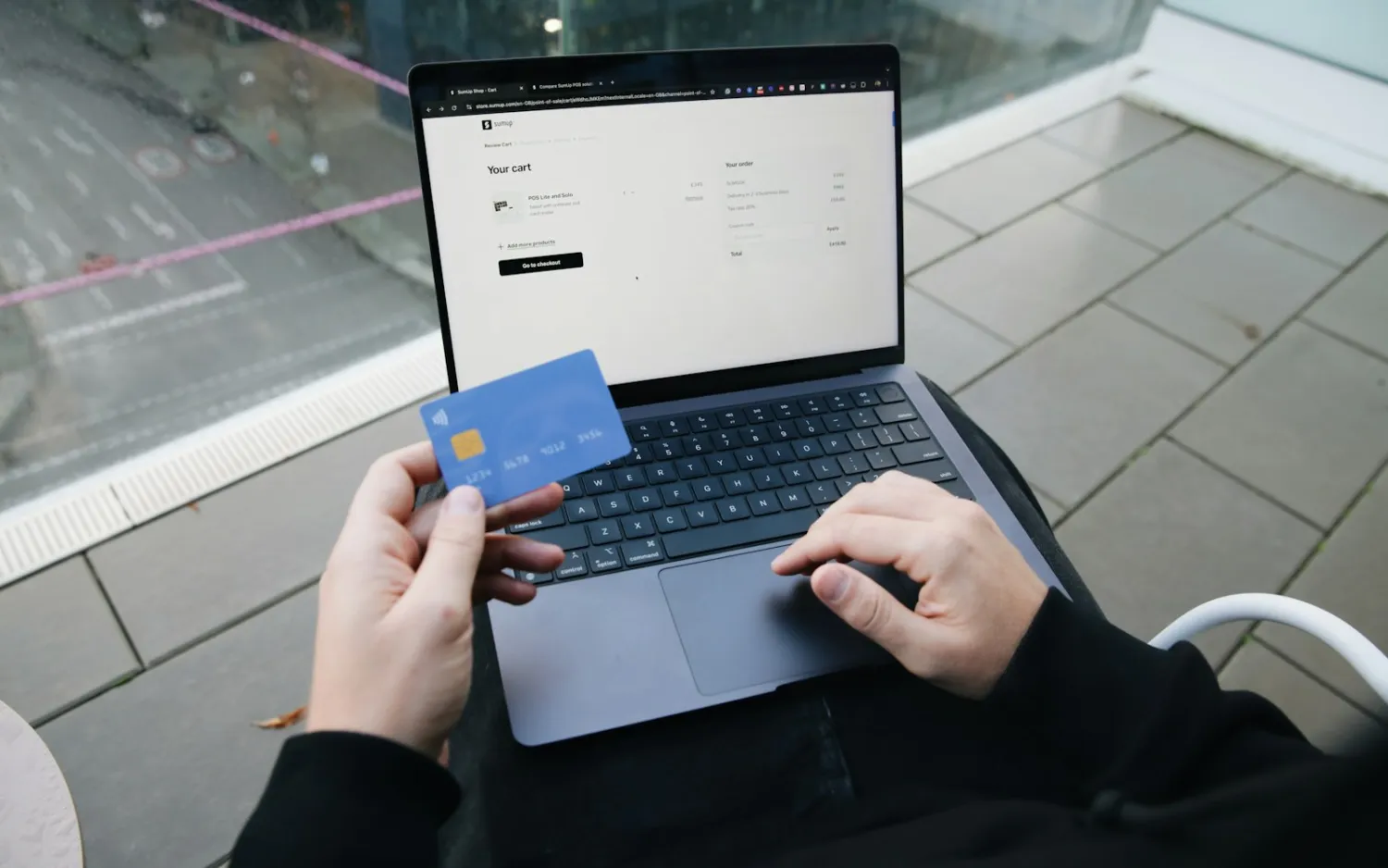
Selling once is good. Selling the same customer a service every month is even better. Subscriptions give your business steady, predictable income, and customers enjoy the convenience of not having to pay manually each time.
But recurring payments are more complicated than a normal checkout. This guide explains how they work, what to plan for and how to add subscription billing to your website or app.
What Are Recurring Payments?
A recurring payment is a payment that is collected automatically at regular intervals, for example every month or year, after the customer gives permission once. Common examples include software subscriptions, memberships, maintenance plans, courses, content access and monthly service packages.
Common Subscription Models
- Fixed plans: a set price per month or year.
- Tiered plans: basic, standard and premium levels with different features.
- Usage-based: the customer pays for what they use.
- Free trial: a trial period followed by a paid plan.
- Per-user pricing: the price grows with the number of users.
What You Need to Offer Subscriptions
1. A Payment Gateway That Supports Recurring Billing
Not every gateway supports recurring payments in the same way, and rules differ by country and payment method. Check that your provider supports the methods your customers use, such as cards and UPI-based recurring payments. Our guide on choosing the right payment gateway explains what to compare.
2. Customer Consent and Compliance
Customers must clearly agree to be charged repeatedly, and rules often require extra authentication and advance notice before a charge. In India, recurring card and UPI payments follow specific mandate and notification rules. Rules change over time, so confirm current requirements with your gateway.
3. A Billing System
You need a system that knows which plan each customer is on, when the next charge is due, what they paid and what access they should have. This can be a ready-made billing tool or a custom system built into your website.
4. A Customer Account Area
Customers should be able to see their plan, change or cancel it, update their payment method and download invoices without contacting you.
Key Features of Good Subscription Billing
- Automatic renewal: charges happen on schedule with no manual work.
- Upgrades and downgrades: customers can switch plans, with the price difference handled fairly.
- Trials and coupons: help new customers try your service.
- Invoices and receipts: sent automatically, with the right tax details.
- Reminders: notify customers before a renewal and after a failed payment.
- Easy cancellation: a clear way to cancel builds trust.
Handling Failed Payments
Some payments will fail because of expired cards, low balance or bank issues. Handle this carefully, because it is a big source of lost revenue.
- Retry the payment a few times over several days.
- Email or message the customer with a simple link to update their payment method.
- Give a short grace period before stopping access.
- Track failed payments in your reports.
Use Webhooks to Stay in Sync
Your gateway sends automatic messages, called webhooks, when something happens, such as a successful renewal, a failed charge or a cancellation. Your website listens for these and updates the customer’s account right away. Reliable webhook handling is one of the most important parts of a subscription system. It is part of our API and integration work.
Security and Data Protection
- Never store full card details on your own server. Let the gateway handle them.
- Use HTTPS everywhere.
- Protect customer accounts with strong passwords and, where useful, OTP verification.
- Verify webhook messages so fake requests cannot grant access.
- Keep software updated and back up your data.
Our website security services can help protect your billing system.
Options for Building Subscriptions
Plugins for Existing Platforms
If you use WordPress and WooCommerce, subscription plugins can add recurring billing quickly. This works well for simpler needs.
Custom Subscription System
For software products, apps or special pricing rules, a custom build gives more control. Developers connect the gateway’s recurring billing API to your own user accounts and plans.
Subscriptions in a Mobile App
App store rules apply to digital content sold inside apps, so check the current store policies. Our mobile app development team can advise.
Steps to Launch Subscription Billing
- Define your plans, prices and billing periods.
- Choose a gateway that supports recurring payments.
- Design the sign-up, account and cancellation experience.
- Build or configure billing, webhooks and invoices.
- Test renewals, failures, upgrades and cancellations in sandbox mode.
- Launch, monitor and improve.
Common Mistakes
- Making cancellation hard to find.
- Not handling failed payments.
- Skipping testing of renewals and plan changes.
- Ignoring tax and invoice requirements.
- Not telling customers clearly what they will be charged and when.
Conclusion: Make Recurring Billing Simple and Trustworthy
Subscriptions work best when customers trust you. Clear pricing, simple account management, reliable billing and fair handling of failed payments create happy customers who stay longer.
Want to add subscriptions to your site or app? Get a free quote and we will plan and build it.
Frequently Asked Questions
What is a recurring payment?
It is a payment collected automatically at regular intervals after the customer gives permission once, such as a monthly or yearly subscription.
Do all payment gateways support subscriptions?
No. Support and rules vary by gateway, country and payment method, so check before you choose.
How do I handle failed subscription payments?
Retry the payment a few times, notify the customer with a link to update their payment method and allow a short grace period before stopping access.
Is it safe to store customer card details?
You should not store full card details yourself. Use your gateway’s secure storage and tokens instead.
Can I add subscriptions to WooCommerce?
Yes. Subscription plugins can add recurring billing to WooCommerce, while more complex needs may require custom development.